Status
WorkaroundPlatforms
- PS5
- Xbox Series X
- Xbox Series S
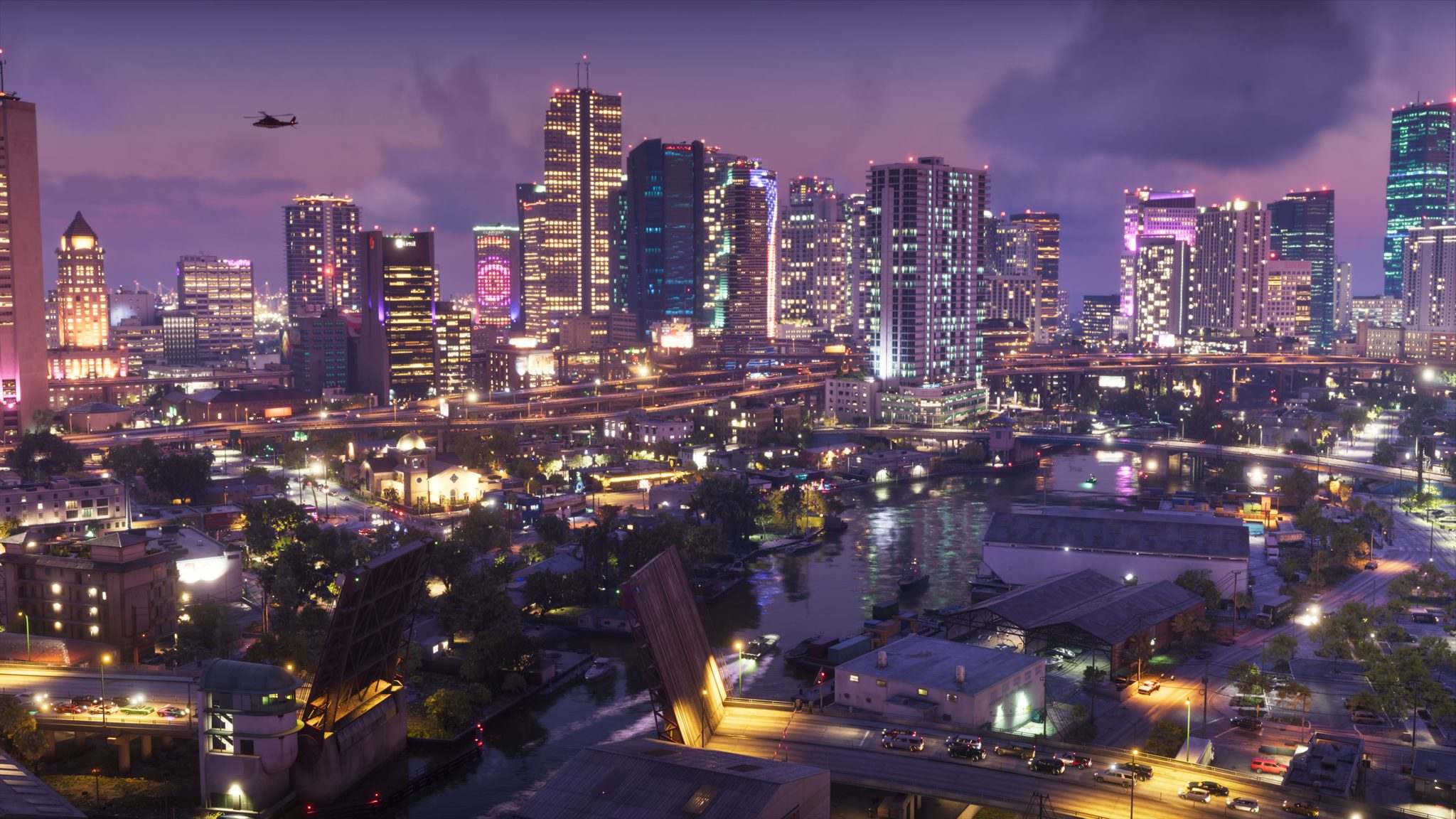
Some softness is how the game renders: base PS5, PS5 Pro and Series X render at 1440p and upscale to 4K, and Series S renders at 720p. Beyond that, a stale Quick Resume state, HDR and a resolution that doesn't match your screen can make it worse; fix those first.
Symptoms
- Everything past the area around your character looks smeared or low resolution.
- Signs and distant buildings are hard to read.
- Hair, foliage and reflections shimmer or ghost in motion.
Steps
- Xbox: remove GTA 6 from Quick Resume (My games & apps > Quick Resume, highlight the game, Menu > Remove from Quick Resume), then restart the console.
- Set the console's output resolution to match your screen: 4K for a 4K TV, 1440p for a 1440p monitor. PS5: Settings > Screen and Video > Video Output. Xbox: Settings > General > TV & display options.
- Turn HDR off for a test session. Several players found the image cleaner without it.
- In Settings > Display, set Motion Blur Strength to 0 or a low value (the default is 3). This helps most on Series S.
- Xbox Series X: install patch 1.002.002. Many players report a sharper image after it, though the notes list no graphics changes and no outlet has confirmed it.
Good to know
- The TAA (temporal anti-aliasing) and depth of field the game uses are blamed for most of the base-PS5 softness, and neither can be switched off.
- An odd Xbox Series X report says distant detail sharpens with a knife or gun equipped compared to fists. It is unconfirmed beyond a handful of players.
Sources
- r/GTA6: GTA 6 Common Issues & Fixes
- Wccftech: Rockstar interview on resolution and upscaling per console
- r/GTA6: "How to make the middle and far distance sharper on PS5?"
- r/GTA6: "New GTA VI update rolling out now"
Related pages
Fixes
GTA 6 Crashing Fix for PS5: CE-108255-1, Safe Mode and Xbox Steps
GTA 6 crashing fix for PS5 and PS5 Pro, step by step, plus Xbox. Update to 1.002.002, restart properly, clear the cache in Safe Mode, and CE-108255-1.
Fixes
GTA 6 Weather Not Changing? Why It Never Rains, and How the Weather System Works
GTA 6 weather not changing, no rain in 30+ hours? It was a bug, patch 1.002.002 targets it, and weather is tied to chapters. How it works and what to expect.
Fixes
GTA 6 crashing at the same spot - known crash points in missions and cutscenes
GTA 6 crashing at the same mission, cutscene or action every time? The known crash points on PS5 and Xbox, how to get past them, and what to send Rockstar.
Settings
GTA 6 Best Aim Settings for PS5 and Xbox
The GTA 6 best aim settings on PS5 and Xbox. Targeting mode, aim assist 0 to 4, aim sensitivity, response curve, deadzones and reticle, with the menu path for each.
Card images: official screenshots. Image: Rockstar Games.