Status
No fix yetPlatforms
- PS5
- PS5 Pro
CE-108255-1 is the PS5's generic "an error occurred with the game/application" code, and in GTA 6 it usually hits right after the loading screen or a few minutes in. Update the game and console, clear the cache, and reinstall if it repeats; if it still happens, send the crash report, because it may be a save-file bug only a patch can fix.
Symptoms
- The game closes to the PS5 home screen with error CE-108255-1.
- It often happens right after the loading screen, or within minutes of starting.
- Some players hit it at the same moment every time: aiming for the first time in the prologue, the start of the prologue on PS5 Pro, or using the plunger in the mission "Pipework".
Steps
- Update GTA 6 to the latest patch (1.002.002 or newer) and update the PS5 system software.
- Close the game fully (PS button, highlight GTA 6, Options > Close Game), then do a full restart of the console, not Rest Mode.
- Boot into Safe Mode (hold power until the second beep), connect the controller by USB and run Clear Cache and Rebuild Database.
- If it keeps crashing, delete and reinstall the game. Saves are kept, but upload them to cloud storage first if you have PlayStation Plus.
- Every time the crash-report screen appears, send it. The reports go to Sony and Rockstar and are what crash fixes are built from.
Good to know
- Sony's own advice for this code is only to update the game, then contact PlayStation Repairs if it persists.
- The r/GTA6 fixes megathread lists CE-108255-1 as ongoing after patch 1.002.002, and players who tried every step above still hit it.
- One player stopped the crash after switching off HDR, VRR and 120 Hz output together; another after turning off HDR alone. Neither is a confirmed cure.
- Players report being sent back and forth between Rockstar Support and PlayStation Support over this code. Rockstar Support is the right place for a game crash.
Sources
- r/GTA6: GTA 6 Common Issues & Fixes (updated Nov 23, 2026)
- PlayStation Support: PS5 error CE-108255-1
- Dexerto: GTA 6 players report game-breaking crashes on PS5 and Xbox (Nov 20, 2026)
- r/GTA6: GTA VI Launch Day Bugs & Glitches Megathread
- r/GTA6: "1.002.002 hotfix, what did they fix exactly?"
Related pages
Fixes
GTA 6 Crashing Fix for PS5: CE-108255-1, Safe Mode and Xbox Steps
GTA 6 crashing fix for PS5 and PS5 Pro, step by step, plus Xbox. Update to 1.002.002, restart properly, clear the cache in Safe Mode, and CE-108255-1.
Fixes
GTA 6 error CE-109573-5 on PS5 - game won't start
GTA 6 won't start on PS5 with error CE-109573-5? Sony's fix order is restart, reinstall, rebuild the database in Safe Mode, then update the system software.
Fixes
GTA 6 crashing at the same spot - known crash points in missions and cutscenes
GTA 6 crashing at the same mission, cutscene or action every time? The known crash points on PS5 and Xbox, how to get past them, and what to send Rockstar.
Fixes
PS5 shuts off while playing GTA 6 (overheating warning)
Your PS5 switches off or shows an overheating warning in GTA 6? Clean the vents, give it space and rebuild the database. What players found worked.
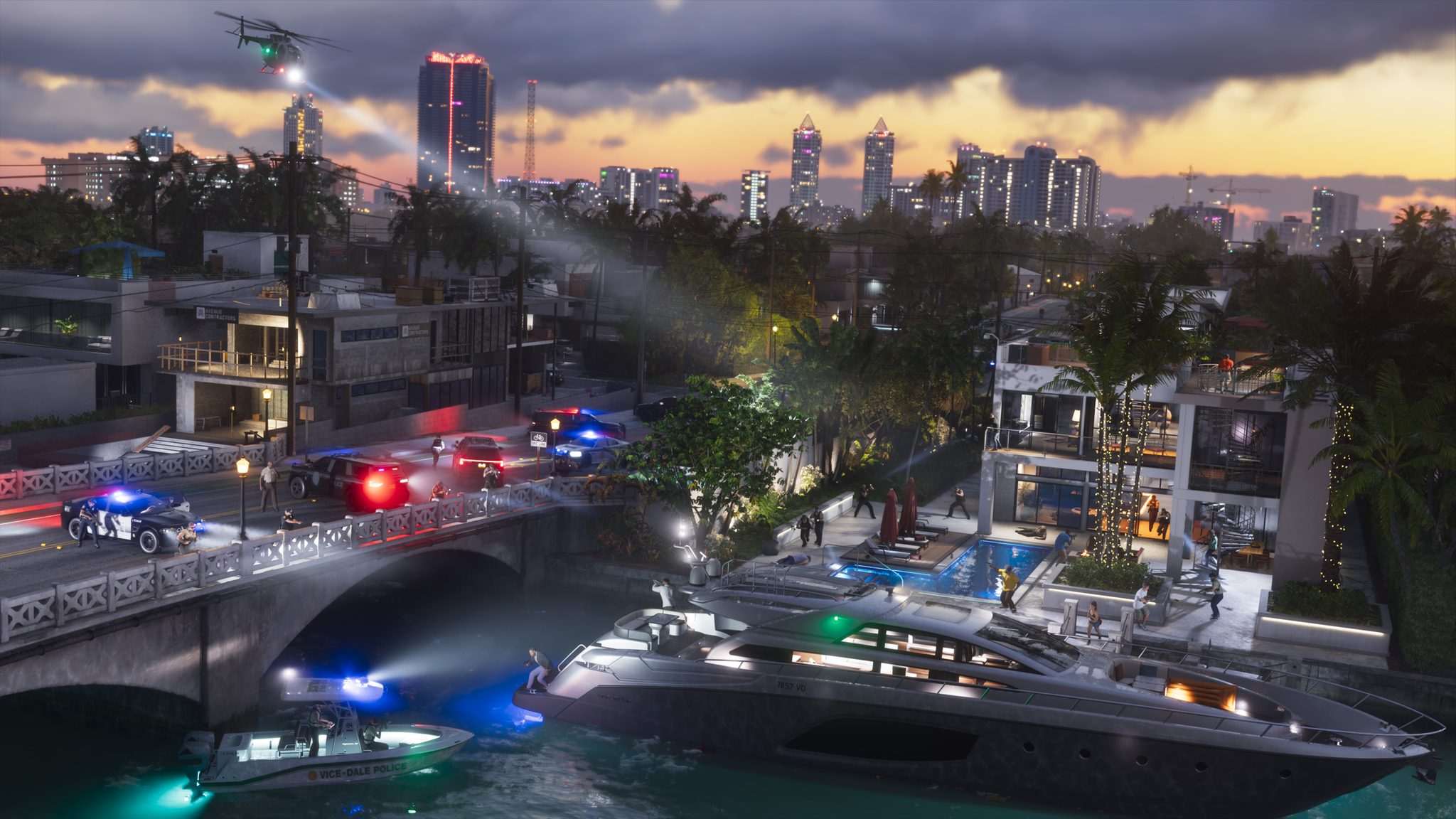
Card images: official screenshots. Image: Rockstar Games.