Steps
0 of 4 tried
Symptoms
- After roughly an hour offline, a prompt asks you to confirm the game's licence.
- The game closes if the licence can't be confirmed.
- It happens with no internet connection or during a PlayStation Network outage.
Good to know
- GameSpot found this while testing the digital PS5 version during the review period, and said it wasn't yet clear whether retail copies behave the same way.
- It's a PlayStation licence check, not an always-online requirement; the single-player game doesn't need Rockstar's servers.
- A boxed copy is a download code, so it is licensed the same way as a digital purchase.
Sources
- GameSpot: Can you play GTA 6 offline? (Nov 18, 2026)
- Nerdism: GTA 6 bugs and fixes today (licence check after an hour offline)
- Rockstar Support: Grand Theft Auto VI platform editions and versions (no disc in the box)
Related pages
Frame rate
Can You Play GTA 6 Offline? Playing Without Internet on PS5 and Xbox
Can you play GTA 6 offline? Yes, once it's installed and updated. Why the PS5 version can kick you out after an hour offline, and the setting that stops it.

Fixes
GTA 6 Crashing Fix for PS5: CE-108255-1, Safe Mode and Xbox Steps
GTA 6 crashing fix for PS5 and PS5 Pro, step by step, plus Xbox. Update to 1.002.002, restart properly, clear the cache in Safe Mode, and CE-108255-1.

Fixes
GTA 6 The Mission Has Been Disrupted: What It Means and What to Try
GTA 6 "the mission has been disrupted" has no official fix yet. What the message meant in GTA 5, and the steps worth trying on PS5 and Xbox.

Fixes
GTA 6 Weather Not Changing or No Rain After 1.002.002: Why and What to Try
GTA 6 weather not changing or still no rain after patch 1.002.002? Why it happens, how the weather follows the chapters, and what to try if it never rains.
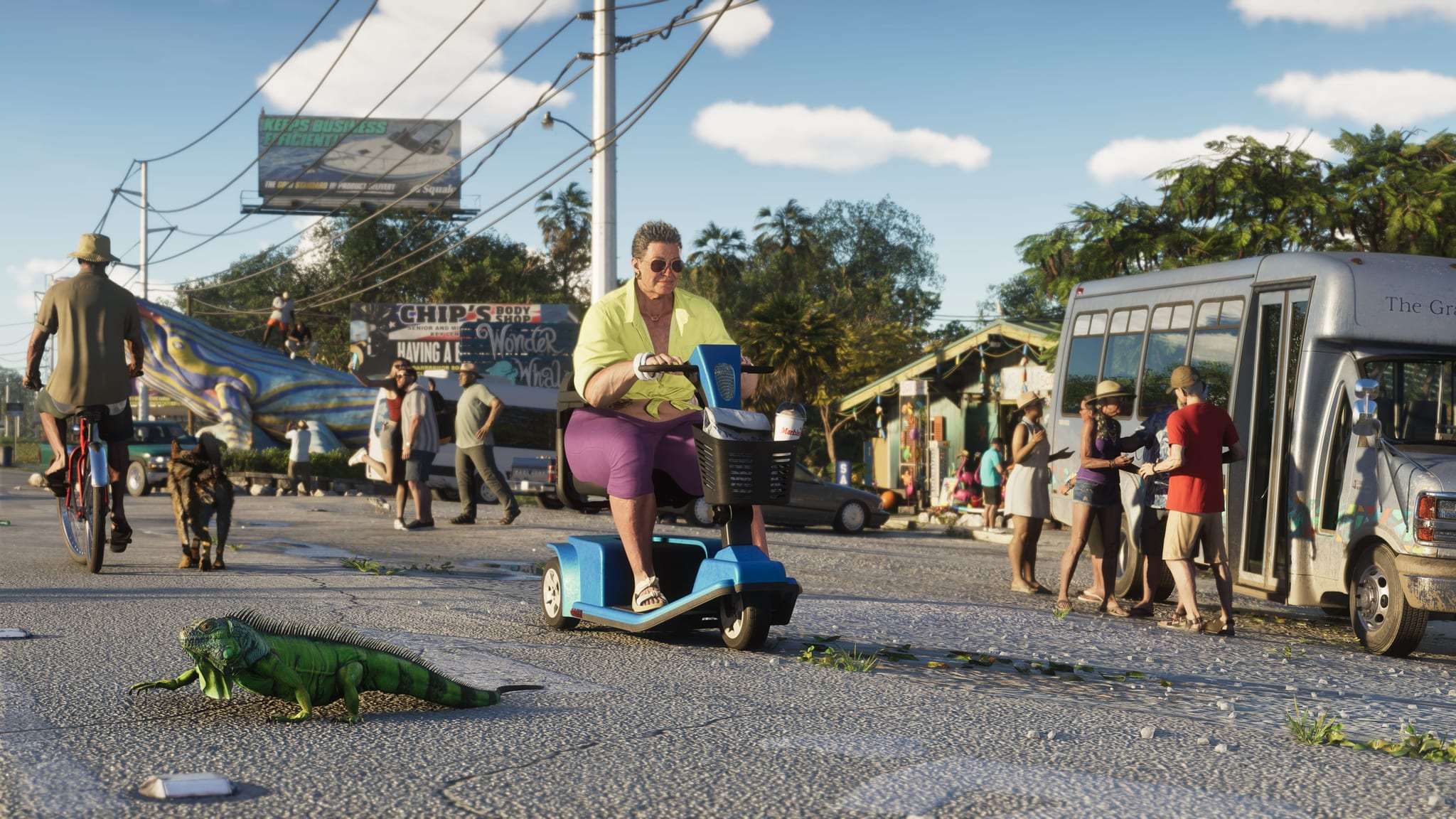
Card images: official screenshots. Image: Rockstar Games.