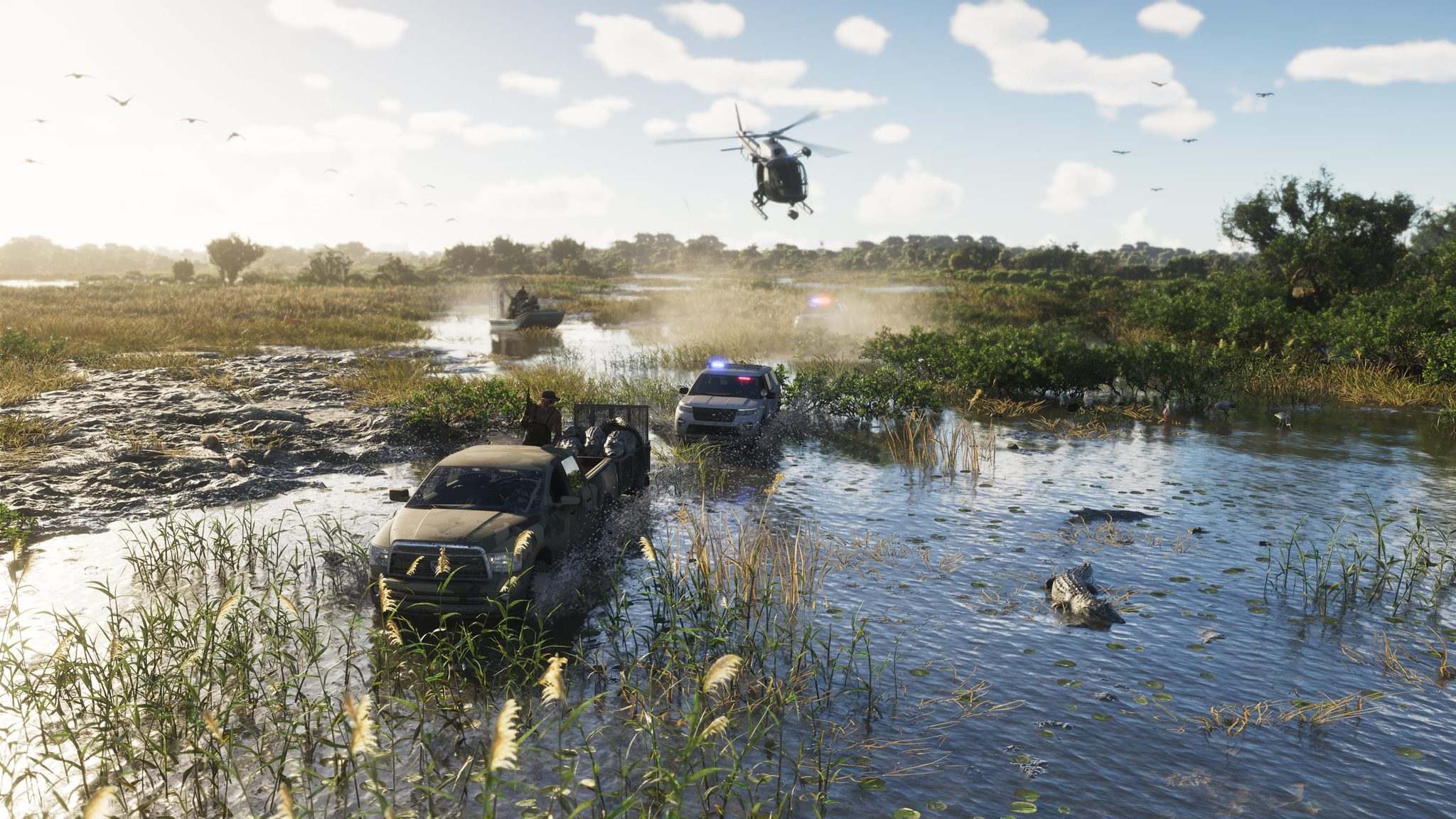
GTA 6 PS5 frame drops have two sources: the base PS5 really does dip below its 30 fps target in heavy scenes, and on some consoles cache clutter, dust or display settings make it worse. The fix players repeat most is Clear Cache and Rebuild Database in Safe Mode, which takes a few minutes and keeps your saves.
What’s normal on a base PS5
Digital Foundry’s launch analysis found the base PS5 holds close to 30 fps but with frequent small dips, and sustained drops in heavy action, down to 23 fps in a test full of grenade-launcher explosions. The PS5 Pro, by comparison, is near-flawless. So some stutter in big fights is expected, and no setting removes it.
Where players notice it most:
- big shootouts and chases in Vice City;
- driving around the Keys;
- forests, swamps and heavy traffic;
- the Chapter 1 chase just before Chapter 2.
If you’re dropping much more than that, or everywhere, work through the fixes below.
Fix 1: clear the cache and rebuild the database
- Turn the PS5 off completely: hold the power button for about 3 seconds.
- Hold the power button again and release after the second beep, about 7 seconds later.
- Connect the controller with a USB cable and press the PS button.
- Choose Clear Cache and Rebuild Database > Clear System Software Cache. The console restarts.
- Enter Safe Mode again and choose Clear Cache and Rebuild Database > Rebuild Database.
Sony describes cache clearing as the option for “performance drops”. The r/GTA6 thread that popularised this, with 265 upvotes, is full of base-PS5 owners saying frame times got steadier straight after. Step-by-step entry: clear cache and rebuild database.
Fix 2: clean the console
Several players found years of dust in their PS5’s vents. A clogged console throttles under GTA 6’s load. Power it down, unplug it and clean the intake and exhaust. If the console shuts itself off, see PS5 shuts off while playing GTA 6.
Fix 3: check display settings
- HDCP: in Settings > System > HDMI, turn HDCP off. Some base-PS5 players say it helped; a PS5 Pro owner saw no difference.
- Samsung TVs: one player found switching the TV to its Dynamic HDR picture setting made the game feel smoother.
- Motion Blur Strength: lowering it doesn’t add frames, but a little blur hides small dips. Try 2 or 3 instead of 0.
Fix 4: update and restart properly
Install the latest patch, then close the game and restart the console rather than resuming from Rest Mode. Patch 1.002.002 doesn’t mention performance, but it fixes several crashes.
When it isn’t fixable
If you’re on a base PS5, dips in the heaviest scenes are part of this version. The PS5 Pro is the only console that holds 30 fps almost all the time.
Sources
- PlayStation Support: Safe Mode on PS5
- AltChar: GTA VI dips as low as 23fps on base PS5, Digital Foundry finds
- TweakTown: GTA 6 struggles to hold 30 fps on base PS5 more often than expected
- BGR: Common GTA 6 problems on PlayStation 5
- r/GTA6: “Those of you having frame drops on base ps5, clear cache and rebuild data base!”
- r/GTA6: Switching off ALLM on LG TV (HDCP test on PS5 Pro)
- r/GTA6: GTA 6 Common Issues & Fixes
Questions
Why does GTA 6 drop frames on PS5?
Partly by design. Digital Foundry found the base PS5 dips just under 30 fps often and down to 23 fps in heavy explosions. Extra drops beyond that usually come from cache clutter, heat or display settings.
Does clearing the cache delete my GTA 6 save?
No. Clear System Software Cache and Rebuild Database in Safe Mode don't delete saves or games.
Does turning off HDCP fix GTA 6 frame drops?
Some base-PS5 players say it helped, but a PS5 Pro owner who tested it saw no change. It's a free test, not a proven fix.
Did patch 1.002.002 fix GTA 6 frame drops?
No. Its notes list bug and crash fixes only. A few players reported new drops after the update.
Related pages
Fixes
GTA 6 frame drops on base PS5 - clear cache and rebuild database
GTA 6 stuttering or dropping frames on a base PS5? Clearing the system cache and rebuilding the database in Safe Mode is the fix players repeat most.

Frame rate
Does GTA 6 Run at 60 FPS? Every Console, Every Mode
Does GTA 6 run at 60 fps? No. PS5, PS5 Pro, Xbox Series X and Series S all target 30 fps with no performance mode. Real-world fps on each console.
Frame rate
GTA 6 60 FPS Capture Card Method: How It Works, What It Costs, and the Lag
The GTA 6 60 fps capture card trick explained. A PC adds generated frames to the console's 30 fps video. What you need, the input lag, and why it isn't real 60.
Fixes
GTA 6 Crashing Fix for PS5: CE-108255-1, Safe Mode and Xbox Steps
GTA 6 crashing fix for PS5 and PS5 Pro, step by step, plus Xbox. Update to 1.002.002, restart properly, clear the cache in Safe Mode, and CE-108255-1.
Card images: official screenshots. Image: Rockstar Games.