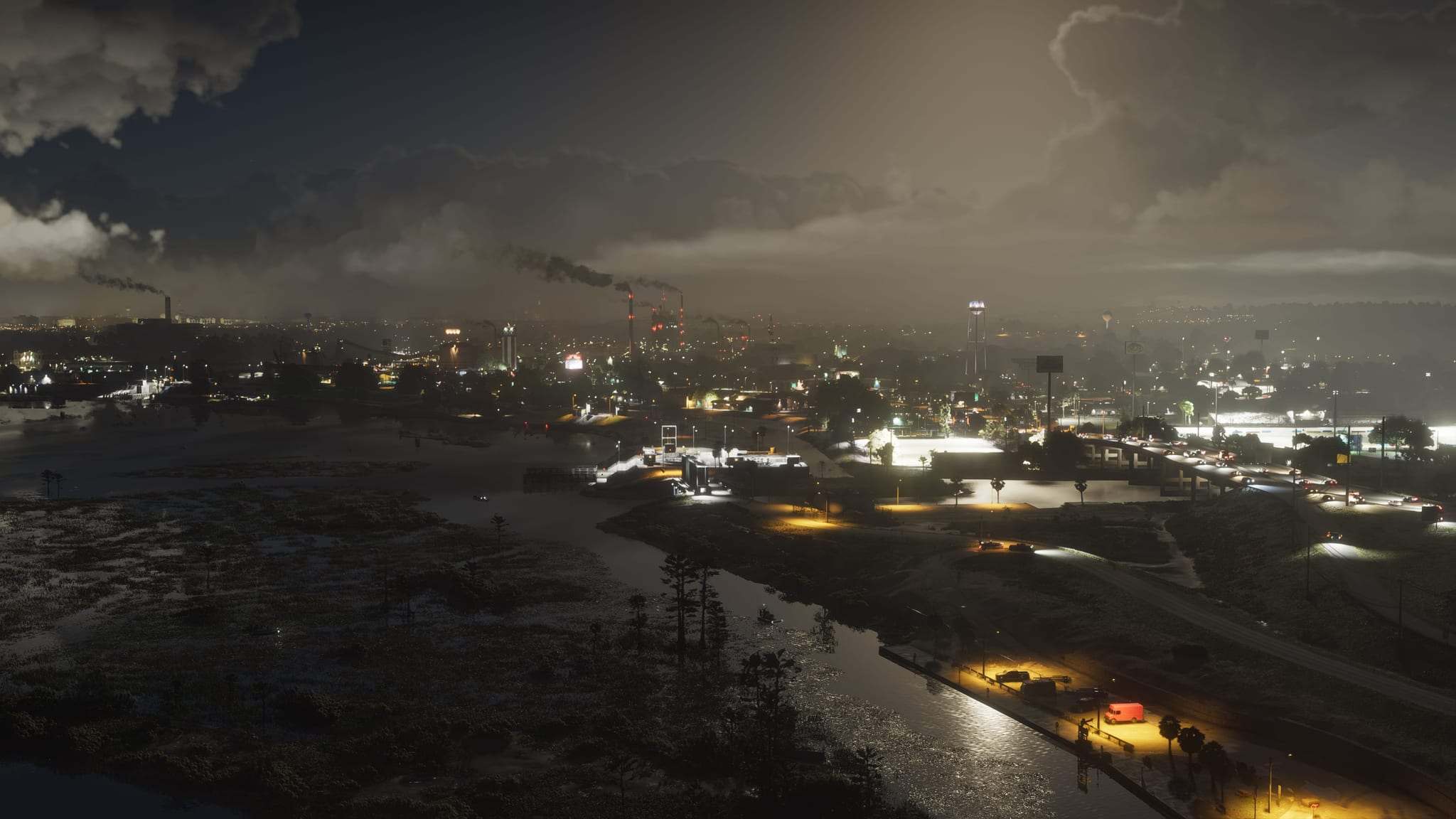
GTA 6 loading times are roughly 41 to 44 seconds from the console dashboard to gameplay: in one side-by-side test the Xbox Series X got in just over 41 seconds, the PS5 Pro a fraction behind, the Xbox Series S in about 44 seconds, and the base PS5 last. After that first load there are no loading screens in normal play; missions, cutscenes and respawns load without one.
If you want to skip the cold start entirely, suspend the game instead of closing it. That cuts the wait to 6 to 21 seconds depending on the console.
Cold start: dashboard to gameplay
These times come from one YouTube tester who fully closed GTA 6, restarted each console and timed from the dashboard to gaining control:
| Console | Dashboard to gameplay |
|---|---|
| Xbox Series X | just over 41 s (fastest) |
| PS5 Pro | a fraction slower than Series X |
| Xbox Series S | about 44 s |
| PS5 | slower than Series S |
The spread is small: three of the four consoles land within about three seconds of each other. Another head-to-head posted on Facebook had the PS5 into the story 13.9 seconds before the Xbox, so treat the order as close rather than fixed; version, save size and where you saved all change the number.
Getting back in: Quick Resume and Rest Mode
| Method | Console | Time in the same test |
|---|---|---|
| Quick Resume (switching back from another game) | Xbox Series X and S | 6 to 7 s |
| Wake from Rest Mode | PS5 Pro | 16 s |
| Wake from Rest Mode | PS5 | 21 s, including choosing a profile |
Both are much faster than a cold start, with two catches (the full rundown of what Quick Resume breaks is in does GTA 6 have Quick Resume):
- Xbox: resuming GTA 6 from Quick Resume at 120 Hz can unlock the frame rate and make the game run too fast, and changing the display mode while it’s suspended can lock it at 15 fps. If either happens, quit fully and restart; see the Quick Resume glitch fix.
- PS5: make a manual save before you put the console in Rest Mode. Some players lost progress before patch 1.002.002, and a power cut while suspended loses whatever wasn’t saved. More in lost GTA 6 save progress.
When you see a loading screen
GTA 6 has a classic loading screen in three places:
- Booting the game, right after the Rockstar logo.
- Starting a new game, once you’ve set your options.
- Loading a save from Pause > Game > Load Game.
Everywhere else, including mission starts, cutscenes and respawns, the game loads in the background with no loading screen. Since patch 1.002.002, loading a save also puts you where you saved instead of back at a safehouse; see the patch 1.002.002 notes.
Does storage change loading?
GTA 6 has to be on the internal SSD, a PS5 M.2 SSD or an Xbox Storage Expansion Card to run, so you can’t put it on a slow drive by accident. A USB drive can only store it. No published test shows an M.2 drive loading GTA 6 faster than the internal SSD. Details in GTA 6 on an external SSD or USB drive.
Loading isn’t the slow part
The cold start is under a minute on every console; the bigger waits are the first install and updates. The 210 GB download and patch sizes are in how to install GTA 6, and if an update hangs at “Finishing things up”, see GTA 6 update stuck.
Sources
- YouTube, Open Surprise: Which console loads GTA 6 fastest? PS5 vs PS5 Pro vs Xbox Series X and S
- Facebook, Elite Gaming Fest: GTA 6 head to head on PS5 vs Xbox Series X
- Beebom: Does GTA 6 have a loading screen?
- r/GTA6: “Update!” (saves load where you saved after 1.002.002)
- Leonida Interactive: How to quit GTA 6 (Quick Resume and Rest Mode)
Questions
How long does GTA 6 take to load?
About 41 to 44 seconds from the console dashboard to gameplay on Xbox Series X, PS5 Pro and Xbox Series S in one side-by-side test, with the base PS5 a little slower.
Does GTA 6 have loading screens?
Yes, but only when you start the game, start a new game or load a save. Missions, cutscenes and travelling around Leonida don't show loading screens.
What is the fastest way to get back into GTA 6?
Suspend it instead of closing it. Xbox Quick Resume brought the game back in 6 to 7 seconds in one test, and waking a PS5 from Rest Mode took 16 seconds on PS5 Pro and 21 on a base PS5.
Does an M.2 SSD make GTA 6 load faster?
No test shows it. An M.2 drive that meets Sony's 5,500 MB/s recommendation is meant to keep up with the internal SSD, not beat it.
Related pages

Frame rate
Does GTA 6 Run at 60 FPS? Every Console, Every Mode
Does GTA 6 run at 60 fps? No. PS5, PS5 Pro, Xbox Series X and Series S all target 30 fps with no performance mode. Real-world fps on each console.

Settings
GTA 6 Best Settings for Every Console: PS5, PS5 Pro, Xbox Series X and Series S
GTA 6 best settings for PS5, PS5 Pro, Xbox Series X and Series S. The console setup, graphics, HDR, camera, aim and HUD values for each, in one reference page.

Frame rate
GTA 6 Setup Price: What a Console, the Game and Extras Cost in Total
GTA 6 setup price in the US: about $579 on Xbox Series S, $680 on PS5 Digital and $980 on PS5 Pro with the game. Every console total, editions and storage.
Frame rate
GTA 6 Performance vs Quality Mode – What Each Console Offers
GTA 6 performance vs quality mode explained. There is neither on PS5, PS5 Pro or Xbox. Each console has one fixed 30 fps mode; here's what it looks like.
Card images: official screenshots. Image: Rockstar Games.