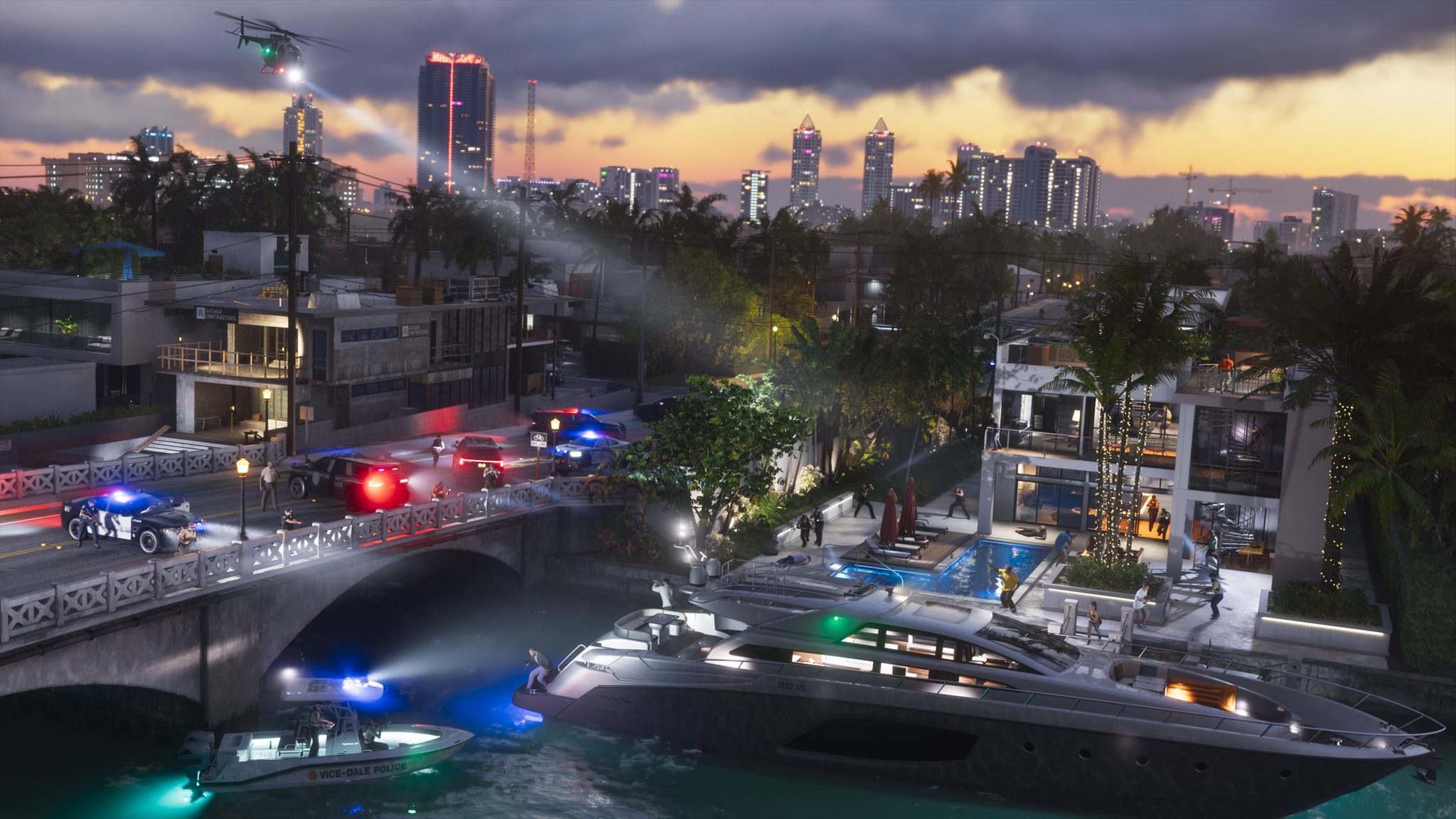
How are people playing GTA 6 at 60 fps? With one of three tricks: TV motion smoothing, an Xbox Quick Resume glitch that unlocks the frame rate, or a capture card and PC that generates extra frames. None of them makes a console render 60 real frames a second, because GTA 6 runs at 30 fps on every console, PS5 Pro included.
Searches for this question took off in launch week, and the r/GTA6 frame-rate megathread passed 1,500 comments. Here is what each method does, what it costs, and what to avoid.
Method 1: TV motion smoothing (most common)
Motion smoothing, or frame interpolation, makes the TV invent an in-between image for every pair of real frames. The console still renders 30; the TV shows something that looks closer to 60. Most “it feels like 60” posts on r/GTA6 are this.
The catch is input lag, and how much depends on the brand. RTINGS measured it on current TVs at 4K 60 Hz, the signal the consoles send:
| TV | Works in game mode? | Lag in game mode | Lag with smoothing on |
|---|---|---|---|
| TCL QM8L | Yes (Motion Clarity, Custom) | 14.5 ms | 24.5 ms |
| Samsung QN80F | Yes (Game Motion Plus) | 10.0 ms | 24.2 ms |
| Hisense UR9SG | Yes (Motion Processing, Custom) | 12.8 ms | 32.9 ms |
| Samsung S95H | Yes (Game Motion Plus) | 10.0 ms | 48.8 ms |
| LG C6 | No, TruMotion only outside game mode | 10.3 ms | 86.0 ms |
| Sony BRAVIA 3 II | No, Motionflow only outside game mode | 9.7 ms | 132.4 ms |
RTINGS’ advice: if your TV only offers smoothing outside game mode, skip it. TCL and Hisense handled it best. Players are split: on LG OLEDs, some call TruMotion unplayable for aiming, others barely notice it in a story game. Expect some visual artifacts around fast-moving objects either way.
Setting it up by brand is in best TV settings for GTA 6.
Method 2: the Xbox Quick Resume glitch
On Xbox Series X|S with a 120 Hz screen, suspending and resuming the game through Quick Resume can remove the 30 fps cap. It sounds like the real thing, but:
- gameplay and animations run faster than normal along with the frame rate;
- Digital Foundry’s John Linneman found it mostly under 40 fps, with screen tearing, nowhere near 60;
- switching the console from 120 Hz to 60 Hz while the game is suspended can lock it to 15 fps instead.
Rockstar may patch it. It isn’t a hack or a download, but it isn’t a way to play the game as intended either. If your game is stuck running fast or at 15 fps, see GTA 6 running too fast on Xbox.
Method 3: capture card plus PC frame generation
The rising search “veyra gta 6” refers to a free, open-source Windows 11 app. It takes the console’s video through a capture card and runs it through frame generation on a PC graphics card; the NVIDIA option needs an RTX 40 or 50 series card. You then watch the PC’s output instead of the console’s.
It works on the same principle as TV smoothing, with the same downside: extra latency on top of the game’s already high input lag. When TweakTown covered it before launch, it hadn’t been tested with the final game. The hardware, setup and lag are covered in detail in the GTA 6 60 fps capture card method.
What doesn’t work
- There is no 60 fps setting in the menu on any console. The Display tab has motion blur, HDR calibration, brightness options and gore settings, nothing for frame rate.
- 120 Hz and VRR don’t double the frame rate. On Xbox they make dips look smoother. On PS5, VRR only works above 48 fps, so it does nothing here.
- “FPS unlock” files, codes or mod menus are fake. You can’t mod console games, and there is no PC version. See can you play GTA 6 on PC?
Will GTA 6 ever run at 60 fps on console?
Not on this hardware, by Rockstar’s own account. Marc Chambers told Kotaku the PS5 Pro’s CPU “is not powerful enough to run the game’s complex simulation at higher frame rates”. The full explanation is in why is GTA 6 capped at 30 fps, and the per-console numbers are in does GTA 6 run at 60 fps.
Sources
- RTINGS: Motion interpolation for GTA VI (updated Nov 18, 2026)
- TweakTown: GTA VI can hit 60 fps on Xbox Series X thanks to a Quick Resume bug (Nov 23, 2026)
- VGTimes: GTA 6 fps unlock glitch falls short of 60 fps, Digital Foundry expert says
- TweakTown: Free Veyra app uses RTX 40 and 50 GPUs to make GTA 6 on PS5 look like 60 fps (Nov 16, 2026)
- KeenGamer: I made GTA 6 feel like 120 fps with TV motion smoothing
- Kotaku: GTA 6 won’t get a 60 fps mode, even on PS5 Pro
- r/GTA6: Anyone tried TruMotion with GTA 6 on an LG OLED?
- r/GTA6: Frame Rate Discussion Thread
Questions
Can you get 60 fps on GTA 6?
Not natively. Every console renders GTA 6 at 30 fps, with no performance mode. Anything that looks like 60 is the TV, a PC or a glitch adding or unlocking frames.
What is the GTA 6 60 fps glitch?
An Xbox Series X|S trick using Quick Resume on a 120 Hz display. It removes the 30 fps cap, but the game also runs faster, and Digital Foundry measured it mostly under 40 fps with tearing.
What is Veyra for GTA 6?
A free Windows 11 app that takes your console's video through a capture card and adds frame generation on a PC graphics card. It adds latency and doesn't change what the console renders.
Does TV motion smoothing add input lag in GTA 6?
Yes. On TVs that allow it in game mode, RTINGS measured roughly 10 to 40 ms extra. On LG and Sony TVs it only works outside game mode, where RTINGS measured 86 ms and 132 ms.
Is there a 60 fps mode on PS5 Pro?
No. Rockstar says the Pro's CPU can't run the game's simulation faster than 30 fps.
Related pages
Settings
Best TV Settings for GTA 6 – HDR, Game Mode and Motion Smoothing
The best TV settings for GTA 6 on PS5 and Xbox: HDR calibration values, game mode, 120 Hz and VRR on Xbox, and motion smoothing by brand with its input lag.
Frame rate
Does GTA 6 Run at 60 FPS? Every Console, Every Mode
Does GTA 6 run at 60 fps? No. PS5, PS5 Pro, Xbox Series X and Series S all target 30 fps with no performance mode. Real-world fps on each console.
Frame rate
GTA 6 60 FPS Capture Card Method: How It Works, What It Costs, and the Lag
The GTA 6 60 fps capture card trick explained. A PC adds generated frames to the console's 30 fps video. What you need, the input lag, and why it isn't real 60.
Frame rate
How to Get 60 FPS GTA 6? The "Xbox 60 FPS Version", 120 FPS and DLSS 5 Clips Debunked
How to get 60 fps GTA 6, according to viral clips? There's no Xbox 60 fps version, 120 fps or DLSS 5 on console. What each clip really shows.
Card images: official screenshots. Image: Rockstar Games.