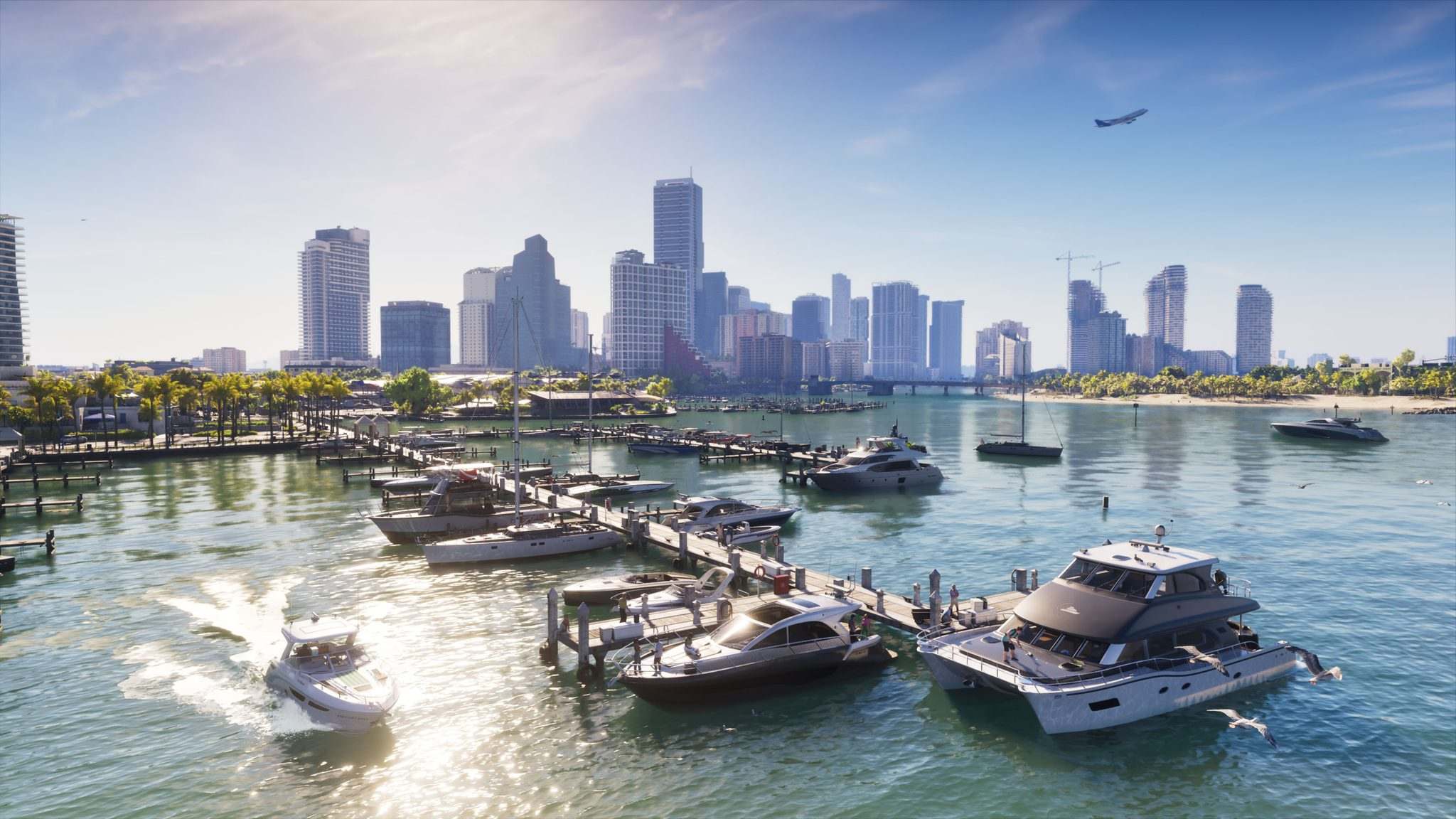
The best TV settings for GTA 6 are Game Mode on, the in-game HDR calibration at Max Brightness 2,000, Black Levels 20 and Paper White 35 on a bright TV, and, on Xbox, 120 Hz output. Add your TV’s motion smoothing only if it works inside game mode, as it does on TCL, Hisense and Samsung sets.
GTA 6 runs at 30 fps on every console, so the TV matters more than usual: it decides how smooth 30 looks and how much lag you add to a game that already has plenty.
HDR calibration
HDTVTest found the in-game calibration screen misleading, though the HDR image itself works. Its starting values, set in Pause menu > Settings > Display > HDR Calibration:
| Screen | Max Brightness | Black Levels | Paper White |
|---|---|---|---|
| 1,000 nits or brighter | 2,000 | 20 | 35 |
| Dimmer (e.g. 600 nits) | Twice the peak (1,200) | 20 | Adjust to taste |
The 2,000 isn’t a typo. Samsung owners on r/GTA6 also like the TV’s Dynamic HDR picture setting for this game. If it still looks grey and flat, see our HDR fix, or turn Brightness Reduction off in the same Display tab.
Game mode and input lag
GTA 6 is not a low-latency game. Digital Foundry measured about 180 ms of input lag on Series X, similar to Red Dead Redemption 2. Anything the TV adds on top is noticeable, so:
- Keep the TV’s Game Mode on (on LG it’s part of Game Optimizer).
- On Sony TVs, a player in the fixes megathread solved input delay with Game Mode plus a brighter HDR calibration.
Motion smoothing: which TVs can do it
Motion smoothing (interpolation) adds made-up frames between real ones, which makes 30 fps look closer to 60. It’s the main way people are “playing at 60”. The cost is lag, and it depends on the brand. RTINGS measured it at 4K 60 Hz:
| Brand | Works in game mode? | Where | Lag before → after |
|---|---|---|---|
| TCL | Yes | Motion Clarity > Custom, Judder and Blur 10 | 14.5 → 24.5 ms (QM8L) |
| Hisense | Yes | Motion Processing > Custom, Judder and Blur 10 | 12.8 → 32.9 ms (UR9SG) |
| Samsung | Yes | Game Bar > Game Motion Plus, level 2 | 10.0 → 24.2 ms (QN80F) |
| LG | No | TruMotion > User Selection, outside game mode | 10.3 → 86.0 ms (C6) |
| Sony | No | Motionflow > Custom, outside game mode | 9.7 → 132.4 ms (BRAVIA 3 II) |
RTINGS’ verdict: TCL and Hisense handle it best, and if your TV only offers smoothing outside game mode, don’t use it. Samsung’s Game Motion Plus needs a 60 Hz signal and often stopped interpolating in its tests. The console sends GTA 6 at 60 Hz, so the TV’s base lag is the same as for a 60 fps game.
LG owners are split: some find TruMotion unplayable for aiming, others accept the lag in a story game. More on this in how are people playing GTA 6 at 60 fps.
Xbox: 120 Hz and VRR
On Xbox Series X|S, set the console to 120 Hz (Settings > General > TV & display options) with VRR on. The game still targets 30 fps, but Xbox’s VRR with low framerate compensation smooths out dips. The base PS5’s VRR only works above 48 fps, so it doesn’t help here.
One reviewer got TV smoothing to work at 120 Hz on a Series X with a TCL set (Motion Clarity on High, VRR off), but couldn’t get the same result from a PS5, which only sent a 60 Hz signal.
OLED and motion blur
Many OLED owners say 30 fps looks juddery on their panels. They split on the fix: some raise Motion Blur Strength to hide the judder, others set it to 0 or in the middle (4 to 6). Try a few values.
Sources
- RTINGS: Motion interpolation for GTA VI (updated Nov 18, 2026)
- Pure Xbox: HDR expert shares three recommended display settings for GTA 6
- TweakTown: Digital Foundry on Xbox Series X|S (input lag)
- KeenGamer: I made GTA 6 feel like 120 fps with TV motion smoothing
- GTA BOOM: No, GTA 6 does not run at 120 fps on Xbox
- TechRadar: Motion blur could be the key to 30 fps choppiness on OLED
- r/GTA6: GTA 6 Common Issues & Fixes
- r/GTA6: Anyone tried TruMotion with GTA 6 on an LG OLED?
Recommended settings
| Menu | Setting | Recommendation | Why |
|---|---|---|---|
| TV picture mode | Game Mode | On | Lowest input lag. Turn it off only to use motion smoothing on LG or Sony. |
| In-game Display > HDR Calibration | Max Brightness / Black Levels / Paper White | 2,000 / 20 / 35 | HDTVTest's values for 1,000-nit screens. Dimmer TVs set Max Brightness to twice the panel's peak. |
| Xbox Settings > TV & display options | Refresh rate | 120 Hz | Xbox VRR with low framerate compensation smooths dips below 30. |
| TCL / Hisense TV | Motion Clarity / Motion Processing | Custom, Judder and Blur 10 | Smoothing in game mode for about 10 to 20 ms of extra lag. |
| Samsung TV Game Bar | Game Motion Plus | On (level 2) | Smoothing in game mode. Needs a 60 Hz signal and can switch itself off. |
| LG / Sony TV | TruMotion / Motionflow | Off for combat | Only works outside game mode, adding 86 to 132 ms of lag in RTINGS' tests. |
Questions
Should I use motion smoothing for GTA 6?
Only if your TV offers it in game mode (TCL, Hisense, Samsung). On LG and Sony it only works outside game mode, and RTINGS measured 86 ms and 132 ms of input lag.
What are the best HDR settings for GTA 6?
In Settings > Display > HDR Calibration, Max Brightness 2,000, Black Levels 20 and Paper White 35 on a screen of 1,000 nits or more. On a dimmer screen, set Max Brightness to twice its peak.
Does 120 Hz help GTA 6?
On Xbox, yes, a little. It doesn't raise the 30 fps cap, but VRR with low framerate compensation smooths dips. PS5 VRR only works above 48 fps.
Why does GTA 6 feel laggy on my TV?
The game has high input lag on its own (about 180 ms on Series X, per Digital Foundry). Make sure Game Mode is on and motion smoothing is off unless your TV supports it in game mode.
Related pages
Frame rate
Does GTA 6 Run at 60 FPS? Every Console, Every Mode
Does GTA 6 run at 60 fps? No. PS5, PS5 Pro, Xbox Series X and Series S all target 30 fps with no performance mode. Real-world fps on each console.
Frame rate
How Are People Playing GTA 6 at 60 FPS? The Honest Answer
How are people playing GTA 6 at 60 fps? TV motion smoothing, an Xbox Quick Resume glitch, and capture-card frame generation. None is real 60 fps; here's why.
Frame rate
Why Is GTA 6 Capped at 30 FPS?
Why is GTA 6 capped at 30 fps on PS5, PS5 Pro and Xbox? Rockstar says the consoles' CPUs can't run its simulation faster. What that means and what helps.
Frame rate
GTA 6 60 FPS Capture Card Method: How It Works, What It Costs, and the Lag
The GTA 6 60 fps capture card trick explained. A PC adds generated frames to the console's 30 fps video. What you need, the input lag, and why it isn't real 60.
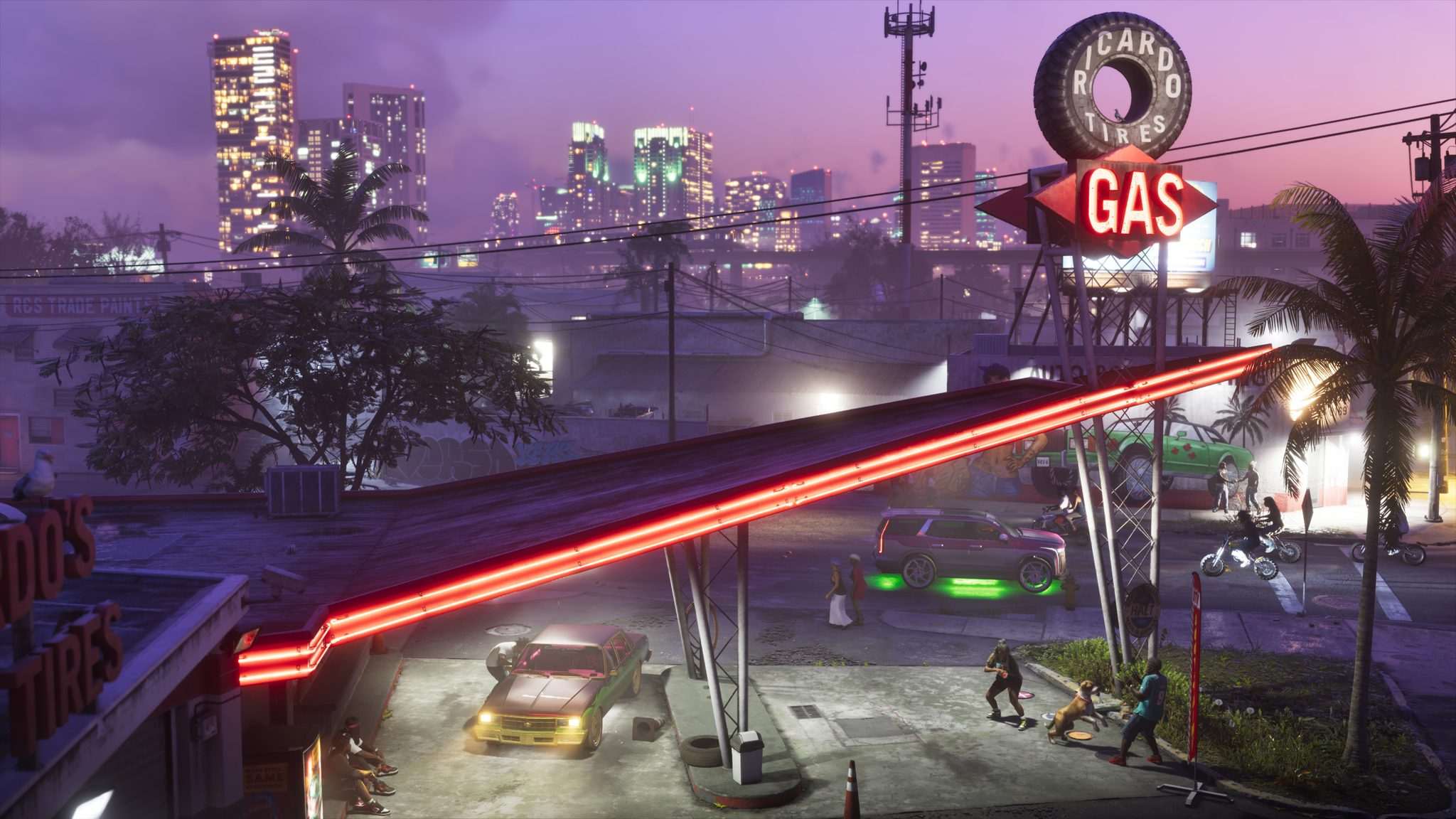
Card images: official screenshots. Image: Rockstar Games.