
The GTA 6 DualSense settings are in Settings > Controller > Controller Features on PS5 and PS5 Pro: Vibration & Haptics Strength (0 to 10, default 10), Adaptive Triggers Resistance, Adaptive Triggers Vibration, Adaptive Speed Limiter, stick deadzones, the touch pad button and the light bar. The speaker options are under Settings > Audio. A good starting point is haptics at 5 to 10, trigger resistance off if your fingers tire, and deadzones at 2 to 3.
The trigger effects are the biggest reason some players prefer the PS5 version, and the most common reason others switch them off. Here’s what each option does.
Where the DualSense settings are
Press Options, choose Settings, then press R1 to reach the Controller tab. The DualSense options sit in the Controller Features section, below sensitivity and inverted controls. Audio options for the controller speaker are on the Audio tab under Setup.
Haptics and vibration
Vibration & Haptics Strength controls the DualSense’s haptic motors, from 0 (off) to 10 (default). Dexerto recommends 5. Players who rate the PS5 version for its haptics mostly point to driving.
If the pad goes completely silent, see the section on haptics not working below.
Adaptive triggers
Three separate options:
- Adaptive Triggers Resistance: physical resistance on L2 and R2, for example when accelerating or pulling a trigger.
- Adaptive Triggers Vibration: vibration inside the triggers.
- Adaptive Speed Limiter: a driving-related trigger effect.
Dexerto turns all three off for a lighter, faster feel. Players who keep them on like the extra feel when accelerating; as one put it, you “can’t just punch the gas anymore” in GTA 6. Try a drive with resistance on and one with it off.
R2 travel: one player found that R2 needs roughly a half press to fire or accelerate even with all trigger effects off. That’s how the input is mapped, not the resistance, so these settings won’t change it.
System-wide option: the PS5’s own Settings > Accessories > Controllers (General) has Vibration Intensity and Trigger Effect Intensity, which affect every game.
Sticks, touch pad and light bar
- Deadzone (Left Stick / Right Stick): 0 to 10, default 5. Drop to 2 or 3. One driving tip from r/GTA6 goes the other way: a left-stick deadzone of 7 or 8 calms twitchy steering. Aim tuning is in GTA 6 best aim settings, steering in best GTA 6 driving settings.
- Touch Pad Button: opens the map by default.
- Light Bar Effect: on or off.
Controller speaker
Under Settings > Audio > Setup, Controller Speaker and Controller Cop Scanner send some sounds through the DualSense’s speaker, including police radio chatter. Turn them off if you play late at night or with headphones.
Haptics not working after the update
Some players lost all vibration after the Nov 23 update (1.002.002):
- In the game’s Controller settings, turn vibration off, back out, then turn it back on.
- On the PS5, check Settings > Accessories > Controllers (General) and make sure Vibration Intensity isn’t Off.
- Close the game fully and restart the console.
It’s a known issue with no official fix yet. Full entry: GTA 6 controller haptics stopped working.
What Xbox players get
On Xbox, the Controller Features section has vibration strength and deadzones but no trigger or speaker options. The PS5 vs Xbox differences beyond the controller are in GTA 6 PS5 vs Xbox Series X.
For the rest of the first-time setup, see GTA 6 settings to change before you play.
Sources
- Dexerto: Best GTA 6 controller settings (DualSense features)
- Dexerto: Best GTA 6 console settings (audio)
- DayOne: All in-game options in GTA 6 (ranges and defaults)
- Rockstar Support: How to change Grand Theft Auto VI settings
- r/GTA6: R2 sensitivity while driving and shooting
- r/GTA6: “GTA VI plays best on PS5 for real”
- r/GTA6: “This game has convinced me that most ultra luxury supercars are not worth driving”
- r/GTA6: “1.002.002 hotfix, what did they fix exactly?” (haptics reports)
Recommended settings
| Menu | Setting | Recommendation | Why |
|---|---|---|---|
| Controller > Controller Features | Vibration & Haptics Strength | 5 to 10 (default 10) | 10 is the full effect. Dexerto drops it to 5; lower it if the buzzing distracts you or you want longer battery life. |
| Controller > Controller Features | Adaptive Triggers Resistance | Off for long sessions or shooting; On for driving feel | Adds resistance to L2 and R2. It makes throttle control more physical but tires your fingers. |
| Controller > Controller Features | Adaptive Triggers Vibration | Your choice | Vibration through the triggers themselves, separate from resistance. |
| Controller > Controller Features | Adaptive Speed Limiter | Off unless you want it | A trigger effect for driving. Dexerto turns it off along with the other trigger effects. |
| Controller > Controller Features | Deadzone (Left / Right Stick) | 2 to 3 (default 5) | Faster response to small stick movements. Raise it if a stick drifts. |
| Audio > Setup | Controller Speaker / Controller Cop Scanner | On | Plays some sounds, including the police scanner, through the DualSense speaker. |
Questions
What are the best DualSense settings for GTA 6?
Vibration & Haptics Strength 5 to 10, adaptive trigger resistance off if your fingers tire (or on if you like the driving feel), stick deadzones at 2 to 3, and the controller speaker on. All are under Settings > Controller and Settings > Audio.
How do I turn off adaptive triggers in GTA 6?
Settings > Controller, then turn off Adaptive Triggers Resistance and Adaptive Triggers Vibration. You can also lower Trigger Effect Intensity for all games in the PS5's own Accessories settings.
Why did my DualSense haptics stop working in GTA 6?
Some players lost all vibration after the Nov 23 update. Toggle Vibration off and on in the game, check the PS5's Vibration Intensity isn't Off, and restart the console. It's a known issue without an official fix yet.
Why does R2 need a half press in GTA 6?
Players report R2 needs roughly a half press to fire or accelerate even with trigger effects off. Turning off resistance doesn't change that travel.
Does the Xbox controller have these settings?
No. Adaptive triggers, the speaker and the touch pad are DualSense features, so those options appear only on PS5 and PS5 Pro. Xbox has vibration strength and deadzones.
Related pages
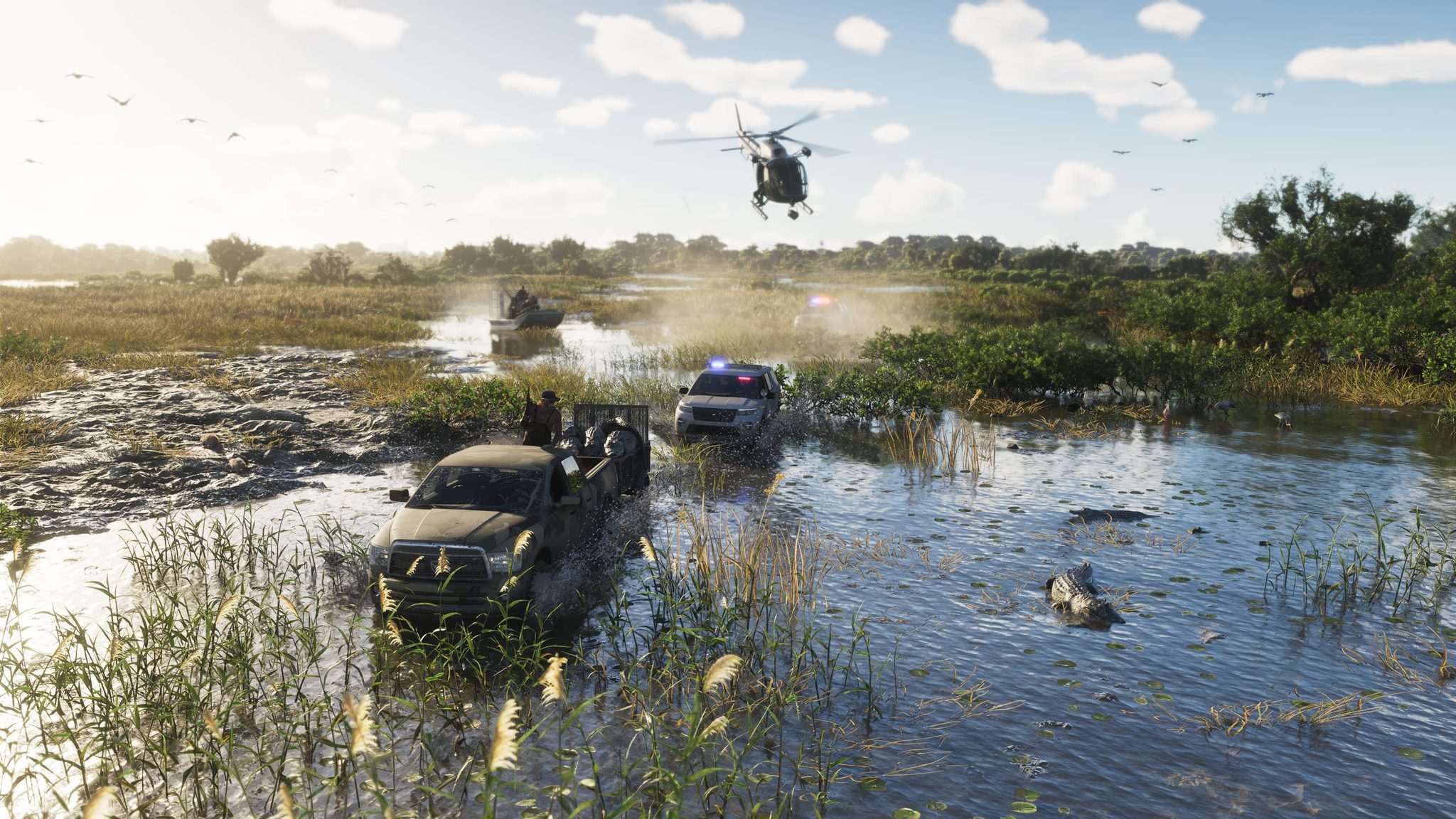
Settings
GTA 6 Best Aim Settings for PS5 and Xbox
The GTA 6 best aim settings on PS5 and Xbox. Targeting mode, aim assist 0 to 4, aim sensitivity, response curve, deadzones and reticle, with the menu path for each.
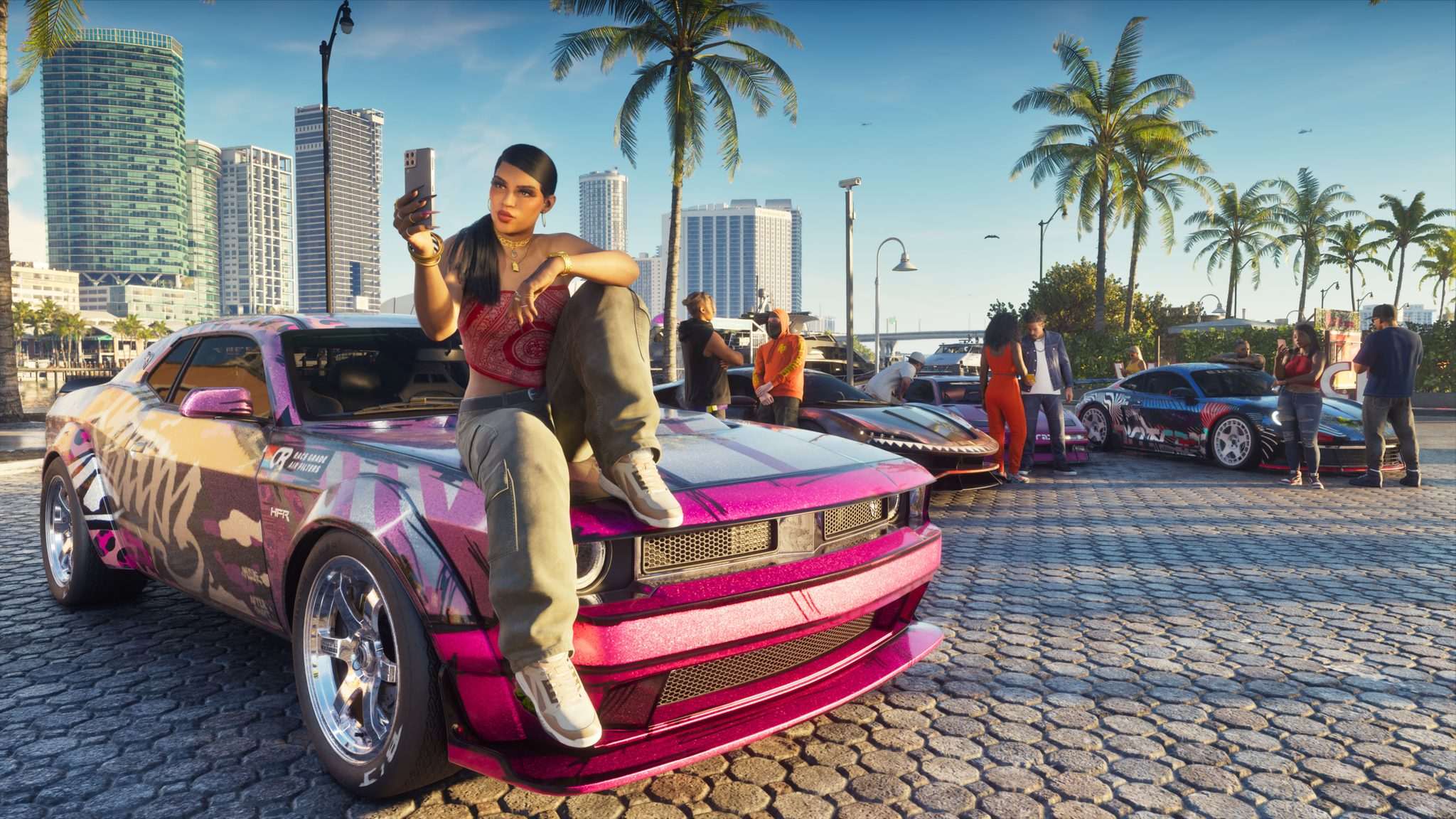
Settings
Best GTA 6 Driving Settings (and How to Make Driving Easier)
The best GTA 6 driving settings on PS5 and Xbox: vehicle camera follow speed and delay, deadzones, adaptive triggers, Auto Drive, nitrous and radio options.
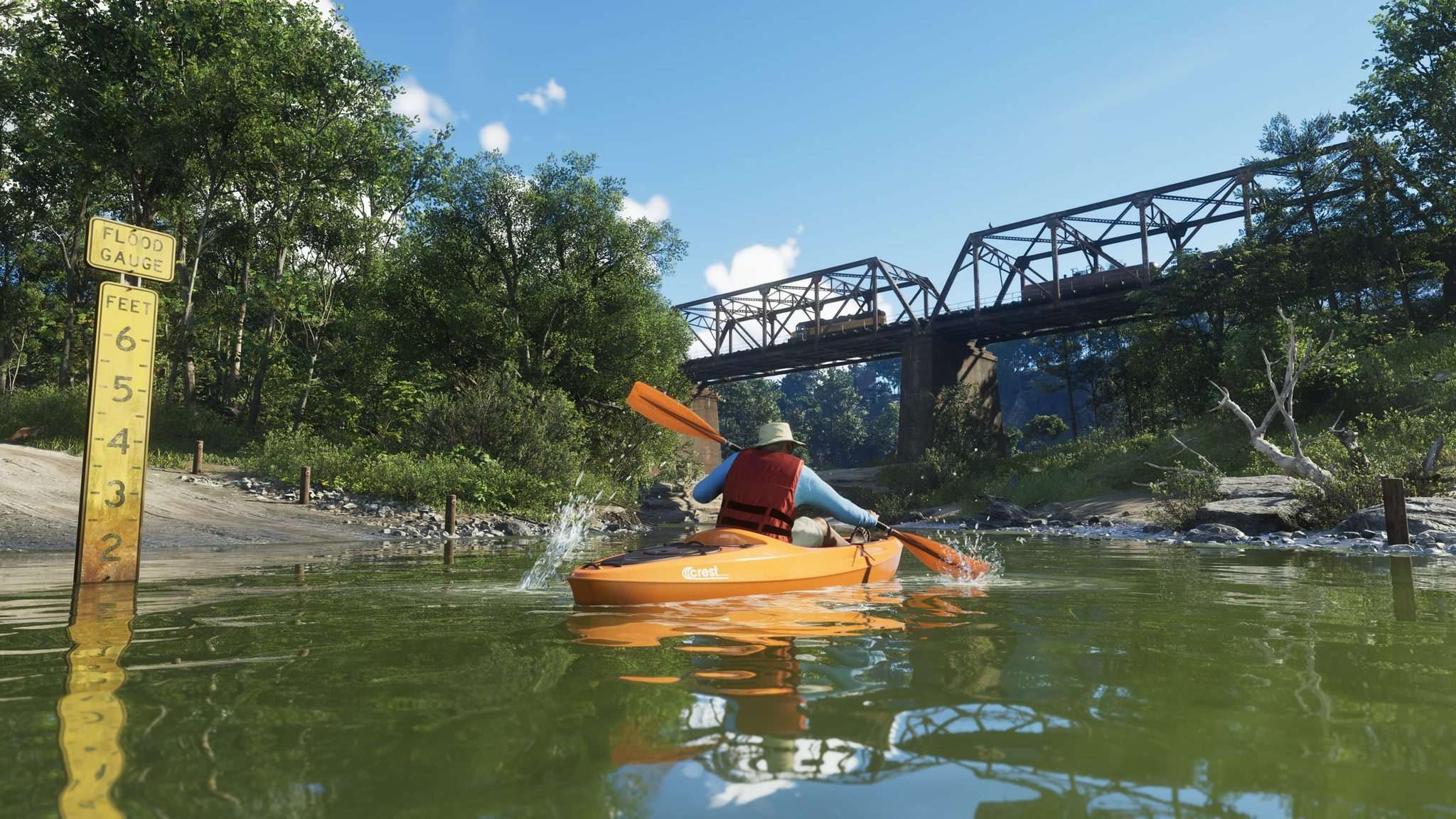
Settings
GTA 6 Settings to Change Before You Play, and the Best Graphics Settings on PS5
The GTA 6 settings to change first, and the best graphics settings on PS5 and Xbox. Motion blur, HDR, effects, aim curve, deadzones and camera shake.

Settings
Can You Make GTA 6 Kid Friendly? Age Rating, Settings and Parental Controls
Can you make GTA 6 kid friendly? Not really. It's rated M (17+). The gore settings you can lower, and the PS5 and Xbox parental controls that limit it.
Card images: official screenshots. Image: Rockstar Games.