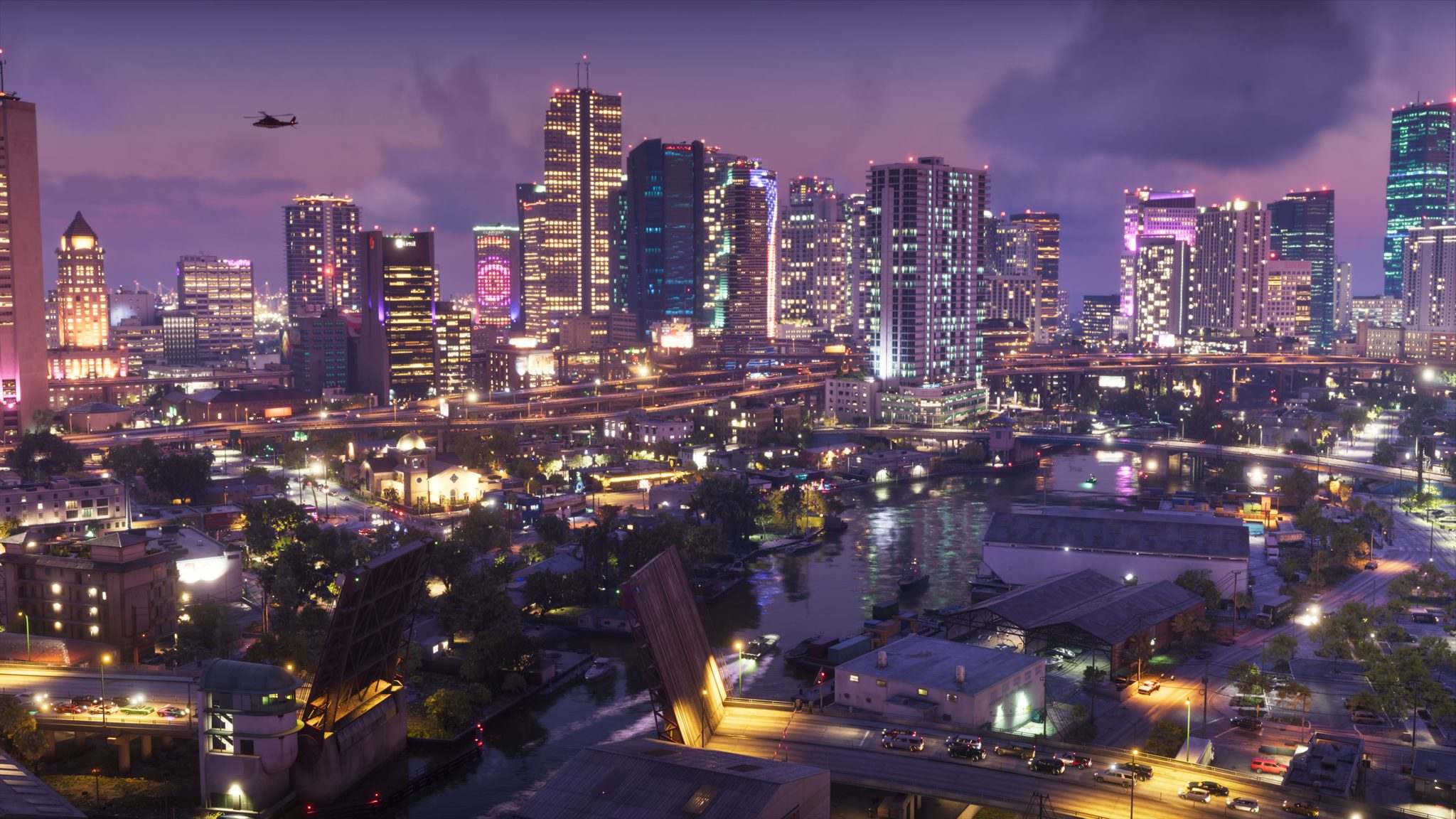
How to stream GTA 6 on PS5 comes down to three options: broadcast straight from the console with the Create button, run the console through a capture card into OBS on a PC, or send it to a PC for free with PS Remote Play. The same three work on Xbox Series X|S, with the Xbox app in place of Remote Play. Whichever you pick, turn on Mute Licensed Music first.
Here is how to set up each method, and the console and game settings that stop the usual problems: a black capture screen, a grey HDR picture and muted VODs.
Before you go live: settings in GTA 6
- Mute Licensed Music (Settings > Audio > Setup): silences the licensed songs on the radio, which are what usually triggers copyright claims and muted VODs. DJ chatter and ads still play. Some streamers find it a shame, because the game’s intro loses its music too. For extra safety, set Vehicle Radio to Off so cars start silent. Exactly what the setting mutes, what it leaves on and the backup volume sliders are in gta6songs.com’s guide to GTA 6 Mute Licensed Music.
- Subtitles On, with speaker names (Settings > UI): helps viewers who watch muted.
- Brightness and HDR: if you stream with a capture card, calibrate the in-game brightness in SDR, because HDR is usually off for capture.
Method 1: broadcast from the console (no PC)
PS5:
- Link your Twitch or YouTube account in Settings > Users and Accounts > Linked Services.
- Start GTA 6, press the Create button and choose Broadcast.
- Pick the service, set the title, turn the camera and mic on or off, and go live.
Xbox Series X|S: link your Twitch account, then press the Xbox button and start the broadcast from Capture & share.
This is the simplest way in, but you get no overlays, alerts or browser sources. Your stream will look like every other console broadcast.
Method 2: capture card and OBS
- Cable it with passthrough: console HDMI to the card’s HDMI in, the card’s HDMI out to your TV or monitor, and the card to the PC over USB or PCIe. You play on the passthrough screen with no delay while OBS records the copy.
- PS5: turn HDCP off in Settings > System > HDMI, or the card shows a black screen.
- Turn HDR off on the console for streaming sessions.
- If the card doesn’t pass 120 Hz through, set the console to 60 Hz (PS5: Settings > Screen and Video > Video Output; Xbox: Settings > General > TV & display options).
- In OBS, add a Video Capture Device source, pick the card, and set 1920 x 1080 at 60 fps. Take game sound from the card’s audio.
A 1080p60 card is enough for Twitch. 4K cards such as AVerMedia’s GC553Pro (4K60 capture) or the HDMI 2.1 GC553G2 (up to 4K144 passthrough) matter if you also record in 4K or play on a high-refresh screen.
Method 3: PS Remote Play or the Xbox app (free)
- PS5: turn on Settings > System > Remote Play > Enable Remote Play. Install PS Remote Play on the PC, sign in with the same account and set the quality to 1080p.
- Xbox: turn on remote features under Settings > Devices & connections, set the power mode to Sleep, then start remote play from the Xbox app on the PC.
- In OBS, use a Window Capture source on the app window and an Application Audio Capture source for the sound.
Wire both the console and the PC to the router. Over Wi-Fi the picture breaks up as soon as the city gets busy. The stream is compressed and slightly behind, so this is better for testing or occasional streams.
Microphone and party chat
Plug your microphone into the PC, not the controller. A headset on the controller sends your voice to the console only, so viewers never hear you. Console party chat is mixed into the game sound, so tell your friends they are on stream.
Xbox: turn off automatic capture uploads
Xbox uploads your clips and screenshots automatically by default, and some GTA 6 players report suspensions of up to two days after captures were flagged. If you record a lot while streaming, set Settings > Preferences > Capture & share > Automatically upload to Don’t upload. Details: GTA 6 Xbox auto upload ban.
Which method should you use?
| You are… | Use |
|---|---|
| Trying streaming for the first time | Console broadcast or Remote Play |
| Streaming a few times a week | A 1080p60 capture card and OBS |
| Recording 4K or playing at 120 Hz on Xbox | A 4K or HDMI 2.1 capture card |
| Trying to show “60 fps” gameplay | Don’t. That needs PC frame generation; see the GTA 6 60 fps capture card method |
The game holds 30 fps at best on every console, so expect the dips you see in play to show on stream too. Per-console numbers: does GTA 6 run at 60 fps. For the other settings worth changing first, see GTA 6 settings to change before you play.
Sources
- NanoCrea: How to stream GTA 6 on PS5 or Xbox with OBS
- NanoCrea: Stream GTA 6 from PS5 or Xbox, capture card setup
- AVerMedia: GTA VI streaming setup guide
- DayOne: All in-game options in GTA 6
- Dexerto: Best GTA 6 console settings (audio)
- YouTube: How to Stream GTA 6 on YouTube Using PS5, Xbox and one laptop/PC
- r/GTA6: “I feel sorry for the people streaming this game with the music off”
Recommended settings
| Menu | Setting | Recommendation | Why |
|---|---|---|---|
| Audio > Setup | Mute Licensed Music | On while streaming | Silences the licensed songs on the radio, the most likely trigger for copyright claims on Twitch and YouTube. |
| PS5 Settings > System > HDMI | Enable HDCP | Off (capture card only) | With HDCP on, a capture card shows a black screen. |
| Console video output | HDR | Off for stream sessions | Most capture cards and stream sites show HDR as grey and washed out. |
| Console video output | Refresh rate | 60 Hz if your card has no 120 Hz passthrough | GTA 6 renders 30 fps anyway, so 120 Hz only matters for Xbox VRR on your own TV. |
Questions
Can you stream GTA 6 straight from a PS5?
Yes. Press the Create button, choose Broadcast and pick Twitch or YouTube. You get gameplay, your voice and an optional camera, but no overlays or alerts.
Does GTA 6 have a streamer mode?
There is no streamer mode, but Settings > Audio > Setup has Mute Licensed Music. Turn it on to silence the licensed radio songs while you stream.
Why is my capture card showing a black screen with GTA 6 on PS5?
HDCP is on. Go to Settings > System > HDMI on the PS5 and turn Enable HDCP off. Xbox Series consoles don't block capture this way.
Do I need a capture card to stream GTA 6?
No. The consoles broadcast directly, and PS Remote Play or the Xbox app can send the game to a PC for free. A capture card gives the cleanest picture with no delay for you.
Should I stream GTA 6 at 60 fps?
The game renders 30 fps on every console, so a 60 fps stream shows each frame twice. 1080p60 is still common, but 1080p30 loses nothing visible if your upload is limited.
Related pages
Settings
GTA 6 Best Aim Settings for PS5 and Xbox
The GTA 6 best aim settings on PS5 and Xbox. Targeting mode, aim assist 0 to 4, aim sensitivity, response curve, deadzones and reticle, with the menu path for each.
Settings
Best GTA 6 Driving Settings (and How to Make Driving Easier)
The best GTA 6 driving settings on PS5 and Xbox: vehicle camera follow speed and delay, deadzones, adaptive triggers, Auto Drive, nitrous and radio options.
Settings
Can You Make GTA 6 Kid Friendly? Age Rating, Settings and Parental Controls
Can you make GTA 6 kid friendly? Not really. It's rated M (17+). The gore settings you can lower, and the PS5 and Xbox parental controls that limit it.
Frame rate
GTA 6 60 FPS Capture Card Method: How It Works, What It Costs, and the Lag
The GTA 6 60 fps capture card trick explained. A PC adds generated frames to the console's 30 fps video. What you need, the input lag, and why it isn't real 60.
Card images: official screenshots. Image: Rockstar Games.