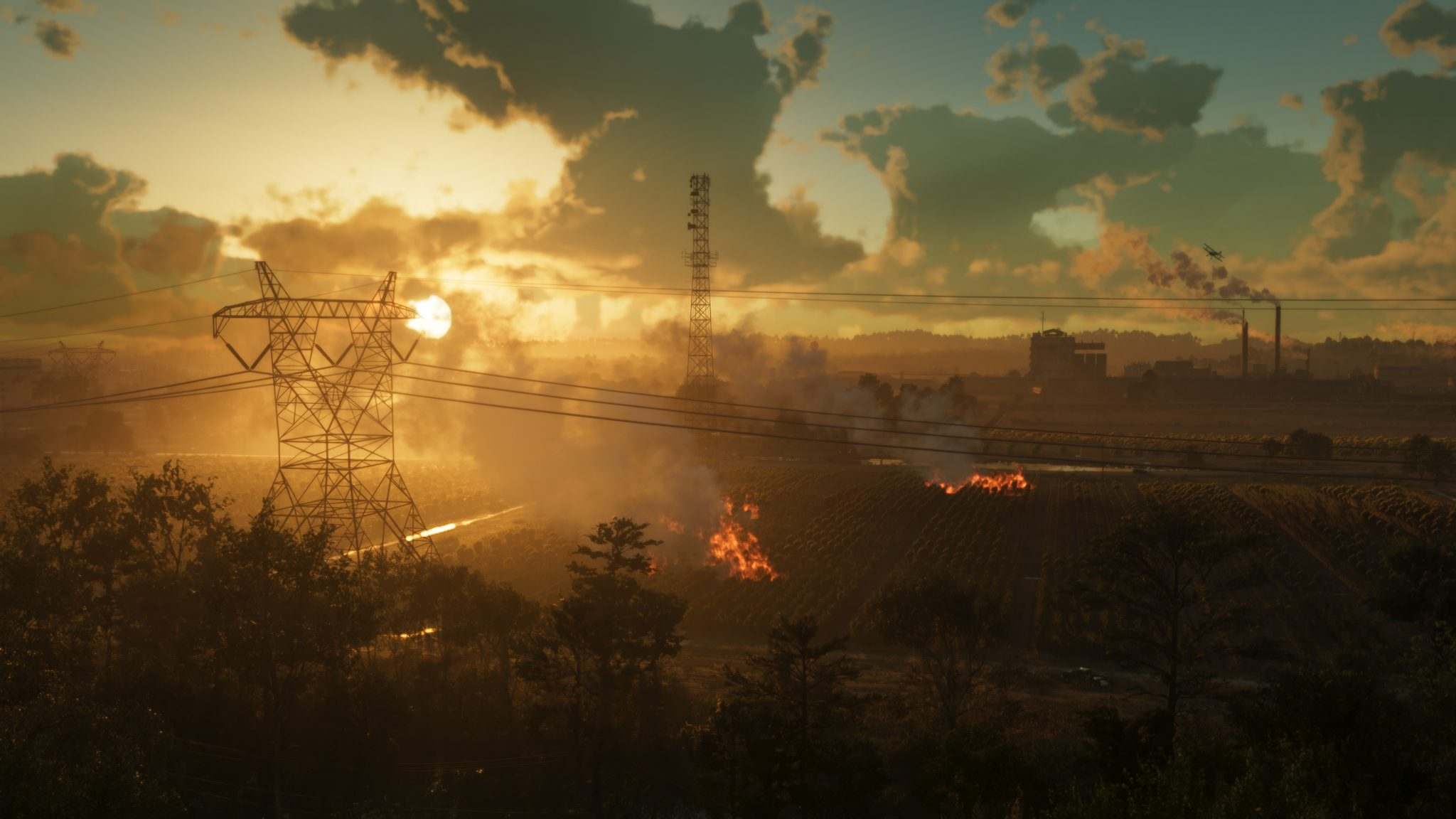
Status
WorkaroundPlatforms
- PS5 Pro
- PS5
A heat-haze effect can get stuck on, smearing water, sky and anything in the distance. Fully closing and restarting GTA 6 clears it; it is a bug, not a setting, and it also shows up on the base PS5.
Symptoms
- Water and sky look smeared or wavy, like heat shimmer that never goes away.
- The blur gets worse while walking or driving and looks like heavy depth of field.
- Flickering water or sky, reported by some PS5 Pro players.
Steps
- Save, then close the game fully (PS button, highlight GTA 6, Options > Close Game).
- Start GTA 6 again and load the save. In player reports this clears the haze straight away.
- If it returns often, set Motion Blur Strength to 0 (Settings > Display) to rule it out.
- As a test, turn off the PS5 Pro's PSSR image enhancement in the console's system settings, restart the game, then turn it back on. One player passed this on from a video creator who says toggling it cleared the blur.
Good to know
- Some players think the effect is an intentional hot-weather shimmer. The ones who restarted found it gone, which points at a bug.
- The heavy vignette at the edges of the screen is a separate thing. There is no option to turn it off; players say patch 1.002.002 softened it.
Sources
- r/GTA6: "I'm playing on PS5 Pro, and I sometimes get these heavily blurry visuals effects (especially on water and the sky)"
- r/GTA6: "Weird blur - PS5 pro"
Related pages
Fixes
GTA 6 PS5 Pro Blurry Water and Sky – What's Going On
GTA 6 PS5 Pro blurry on water and sky? A heat-haze effect gets stuck on, and restarting the game clears it. Other causes of blur on Pro, and settings to check.
Fixes
GTA 6 blurry "Vaseline" look and soft distance detail
GTA 6 looking soft or blurry in the distance on PS5 or Xbox? Clear Quick Resume, test with HDR off, match the output resolution and lower motion blur.
Fixes
GTA 6 Xbox Series S blur, pop-in and frame drops
GTA 6 blurry or choppy on Xbox Series S? Turn motion blur off, clear Quick Resume and expect dips in big Vice City fights. What helps and what doesn't.
Frame rate
Does GTA 6 Run at 60 FPS? Every Console, Every Mode
Does GTA 6 run at 60 fps? No. PS5, PS5 Pro, Xbox Series X and Series S all target 30 fps with no performance mode. Real-world fps on each console.
Card images: official screenshots. Image: Rockstar Games.