Status
WorkaroundPlatforms
- Xbox Series S
Set Motion Blur Strength to 0 in Settings > Display: it is the change Series S players credit most for a clearer image. Frame-rate dips below 30 in large Vice City shootouts and chases are a limit of the hardware, and no setting removes them.
Symptoms
- A soft, smeary image, worst in motion.
- Pop-in of cars, people and scenery a short distance ahead.
- The frame rate falling noticeably below 30 in big gunfights and fast chases in Vice City.
- Stuttering or crackling audio.
Steps
- In Settings > Display, set Motion Blur Strength to 0.
- Remove GTA 6 from Quick Resume (My games & apps > Quick Resume, highlight the game, Menu > Remove from Quick Resume) and restart the console.
- Set the console output to your screen's native resolution (Settings > General > TV & display options).
- Set the console to 120 Hz if your TV supports it; the Xbox 120 Hz presentation makes 30 fps look slightly smoother.
Good to know
- Plenty of Series S owners are happy with it, and the console stays quiet. The trade-offs show most in dense city combat.
- Crackling audio through a headset wired to the controller is a separate open bug; see the audio entry.
Sources
- r/GTA6: "Holy shit, Series S is holding up beautifully."
- r/GTA6: Frame Rate Discussion Thread
- r/GTA6: GTA 6 Common Issues & Fixes
Related pages
Fixes
GTA 6 PS5 Frame Drops – Fixes for the Base PS5
GTA 6 PS5 frame drops? Why the base PS5 dips under 30 fps, where it happens, and the fixes that help most, starting with Safe Mode cache and database.
Fixes
GTA 6 PS5 Pro Blurry Water and Sky – What's Going On
GTA 6 PS5 Pro blurry on water and sky? A heat-haze effect gets stuck on, and restarting the game clears it. Other causes of blur on Pro, and settings to check.
Fixes
GTA 6 frame drops on base PS5 - clear cache and rebuild database
GTA 6 stuttering or dropping frames on a base PS5? Clearing the system cache and rebuilding the database in Safe Mode is the fix players repeat most.
Fixes
GTA 6 blurry "Vaseline" look and soft distance detail
GTA 6 looking soft or blurry in the distance on PS5 or Xbox? Clear Quick Resume, test with HDR off, match the output resolution and lower motion blur.
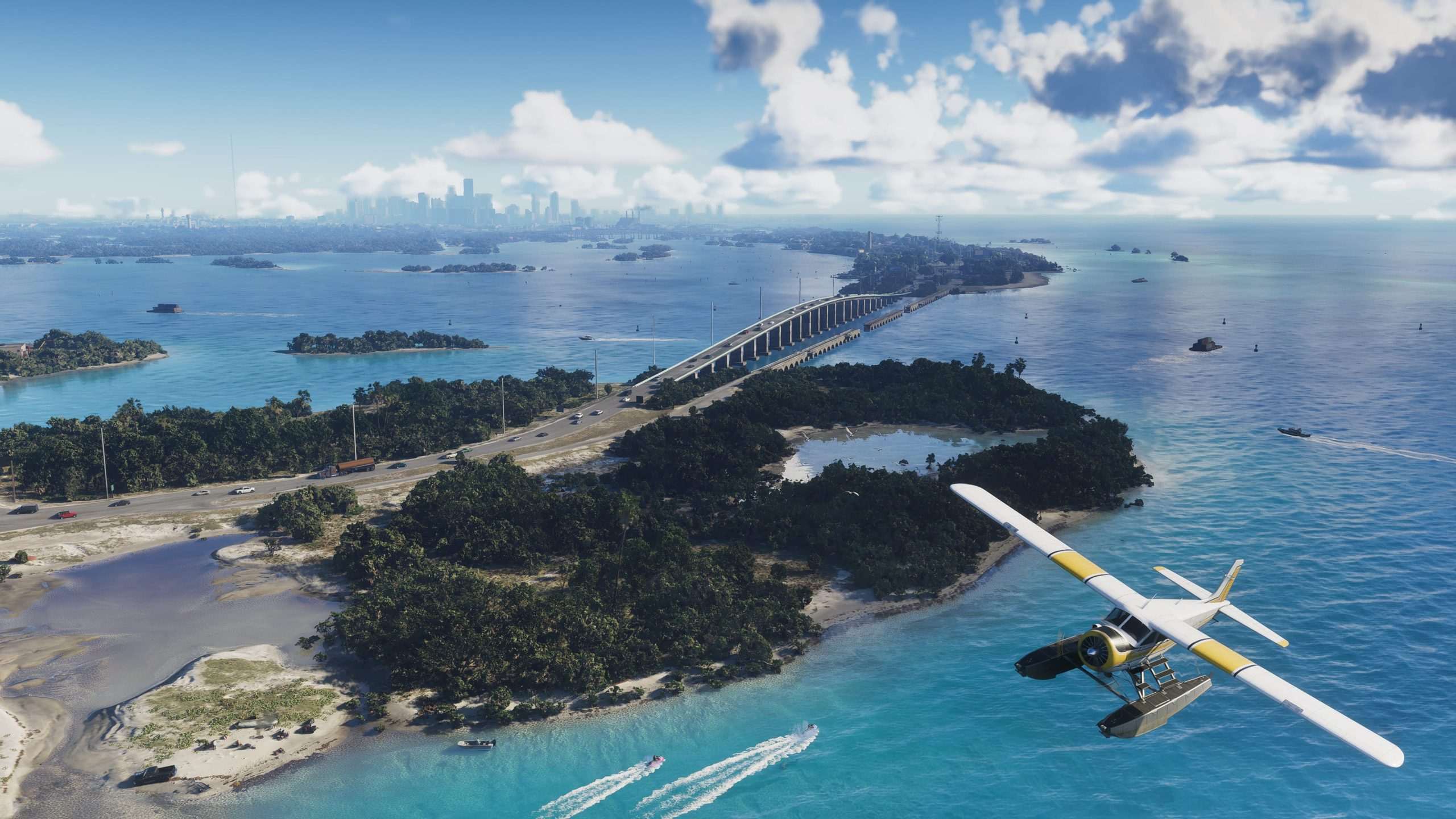
Card images: official screenshots. Image: Rockstar Games.