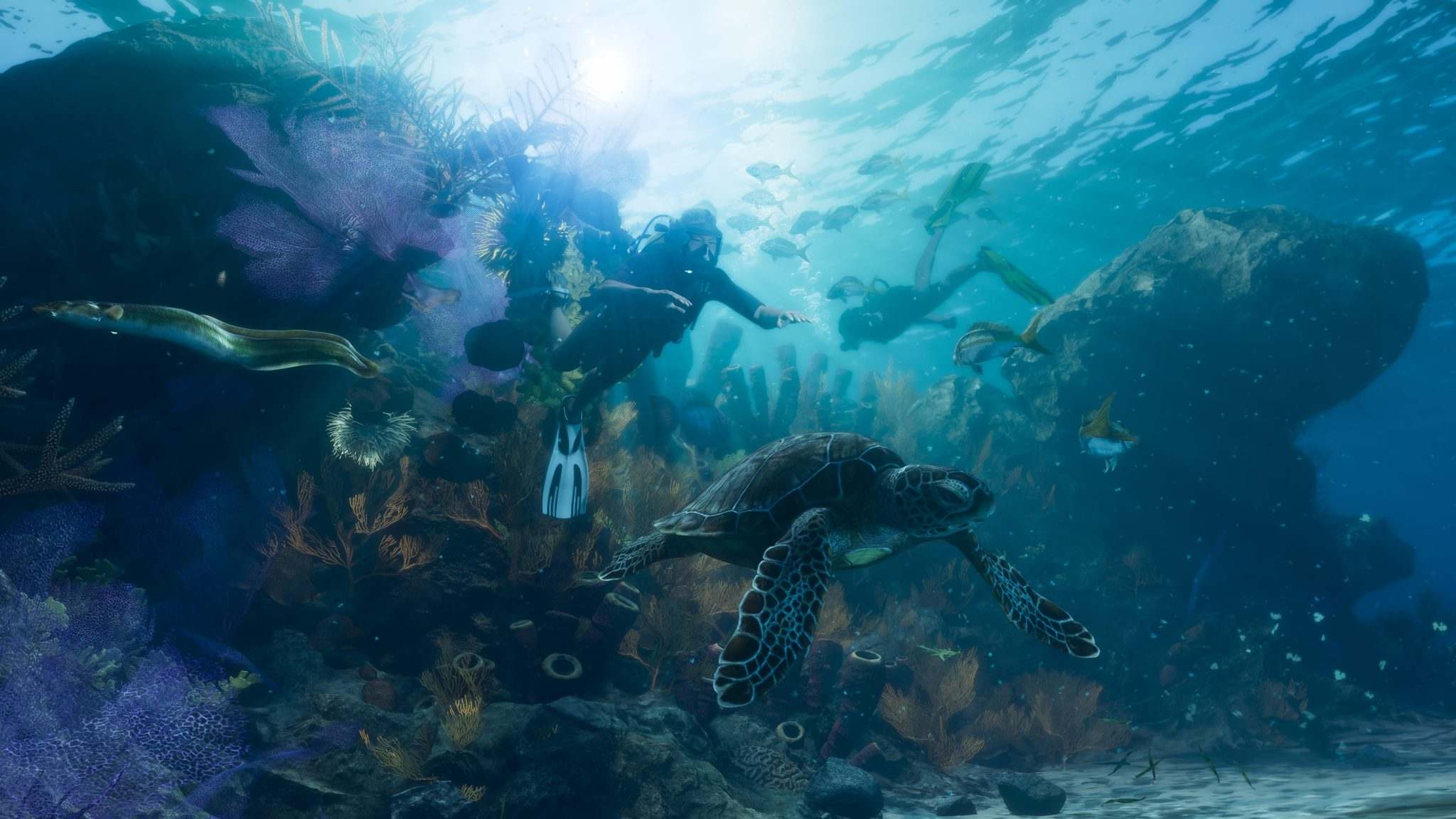
GTA 6 PS5 Pro blurry on water and sky? The usual cause is a heat-haze effect that gets stuck on: close the game fully and restart it, and the image clears. It isn’t a Pro-only problem; base-PS5 players see it too, and it isn’t PSSR failing.
The PS5 Pro has the sharpest GTA 6 image of any console, with PSSR upscaling that Digital Foundry says passes for native 4K. When it looks smeary, something has gone wrong.
The stuck heat-haze effect
Symptoms players describe:
- water and sky that look wavy or smeared, like heat shimmer that never stops;
- the blur getting worse while you walk or drive, like strong depth of field;
- on some consoles, flickering water and sky.
The fix: save, then press the PS button, highlight GTA 6 and choose Options > Close Game. Start it again and load your save. In the r/GTA6 thread, players who did this said the effect was gone immediately; one called it the worst screen-space effect they’d seen until a restart cleared it.
Some players think it is an intentional hot-weather shimmer, but since a restart removes it, a bug is far more likely. Full entry: PS5 Pro blur on water and sky.
If restarting doesn’t fix it
- Motion Blur Strength to 0 (Settings > Display). Some players still saw blur with it off, so this rules it out rather than fixing it.
- Toggle PSSR in the PS5 Pro’s system settings off, restart the game, then turn it back on. A player passes this on from a video creator who says it cleared the blur.
- Check your TV. Turning off ALLM on an LG OLED lets the TV apply its own processing and reduces flicker for one Pro owner, at the cost of a lot of input lag. See best TV settings for GTA 6.
Other things that look like blur on Pro
- Depth of field and TAA. Distant detail is softer by design, and there’s no setting to turn depth of field off.
- Photo mode faces. One Pro owner found zoomed-in faces blurry in photo mode even with depth of field off there.
- The vignette. The dark shading at the screen edges is separate from the blur, and there is no switch for it. See GTA 6 vignette.
Sources
- r/GTA6: “I’m playing on PS5 Pro, and I sometimes get these heavily blurry visuals effects (especially on water and the sky)”
- r/GTA6: “Weird blur - PS5 pro”
- r/GTA6: Switching off ALLM on LG TV lowers motion flickering
- TweakTown: Digital Foundry tech review coverage
- DayOne: All in-game options in GTA 6
Questions
Why is GTA 6 blurry on PS5 Pro?
Usually a heat-haze effect that gets stuck on, smearing water, sky and distant scenery. Restarting the game clears it. Motion blur can add to it.
Is the PS5 Pro blur a bug?
Players who restarted found it gone, which points at a bug rather than a weather effect. It also happens on the base PS5. Rockstar hasn't commented.
Should I turn off PSSR to fix the blur?
It's a test, not a fix. One player relays a video creator who toggled PSSR off and back on and the blur cleared. Restarting the game is simpler and works for most.
Can you turn off depth of field or the vignette in GTA 6?
No. Neither has a setting. Only Motion Blur Strength is adjustable.
Related pages
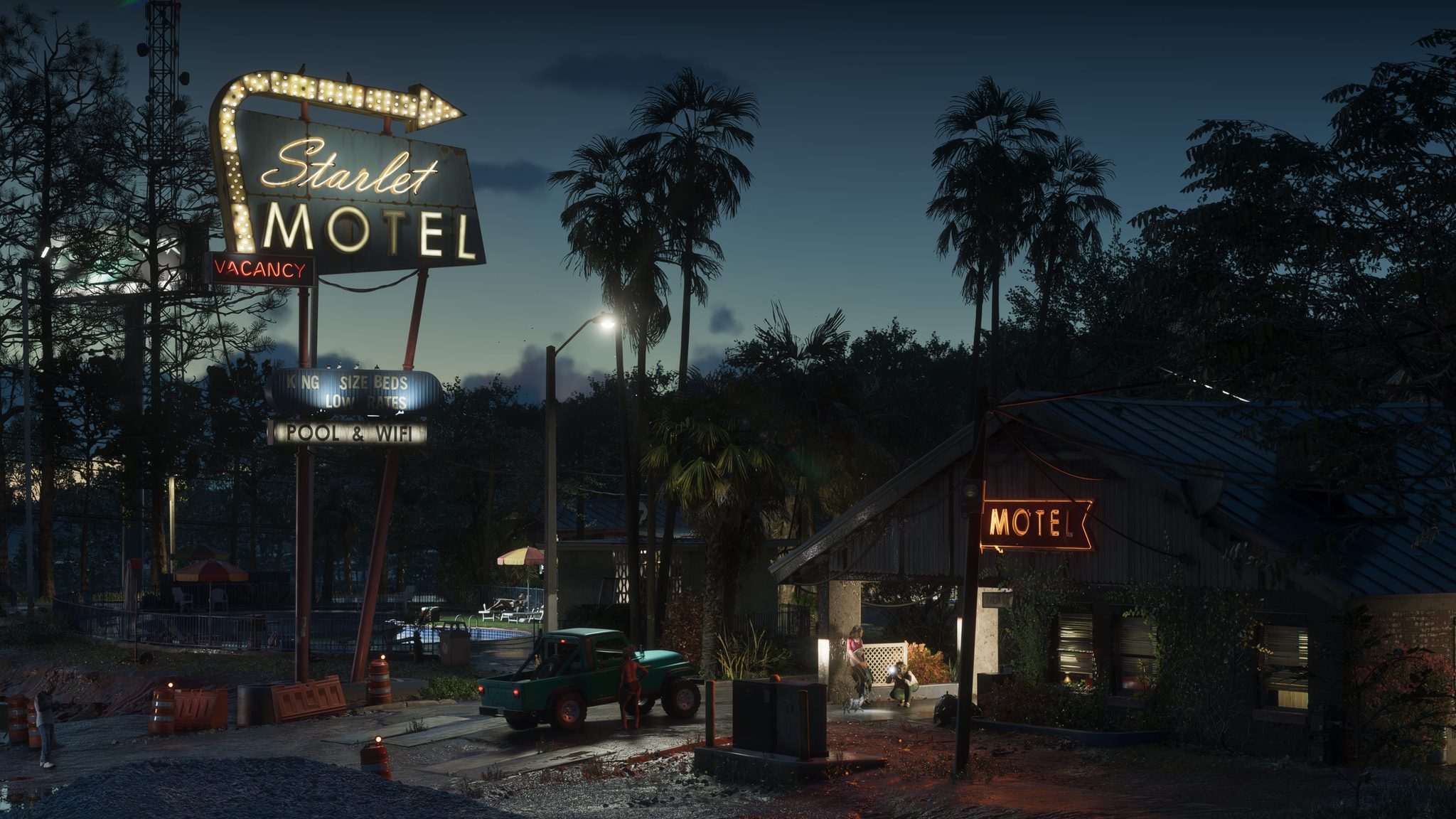
Fixes
GTA 6 PS5 Pro blur on water and sky - restart the game
Heavy blur on water and sky in GTA 6 on PS5 Pro? A heat-haze effect can get stuck on. Restarting the game clears it. Steps and related settings.
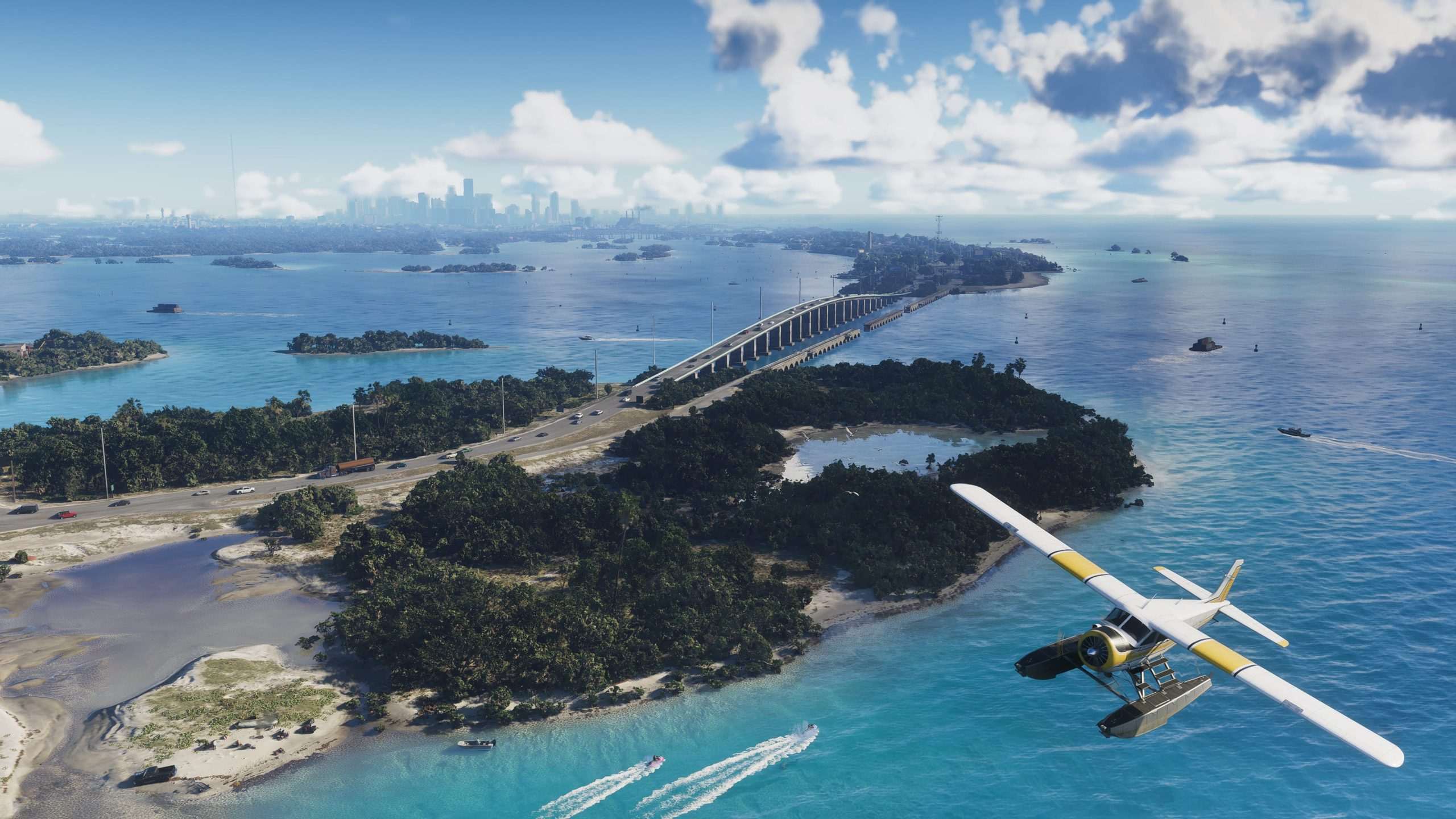
Fixes
GTA 6 blurry "Vaseline" look and soft distance detail
GTA 6 looking soft or blurry in the distance on PS5 or Xbox? Clear Quick Resume, test with HDR off, match the output resolution and lower motion blur.
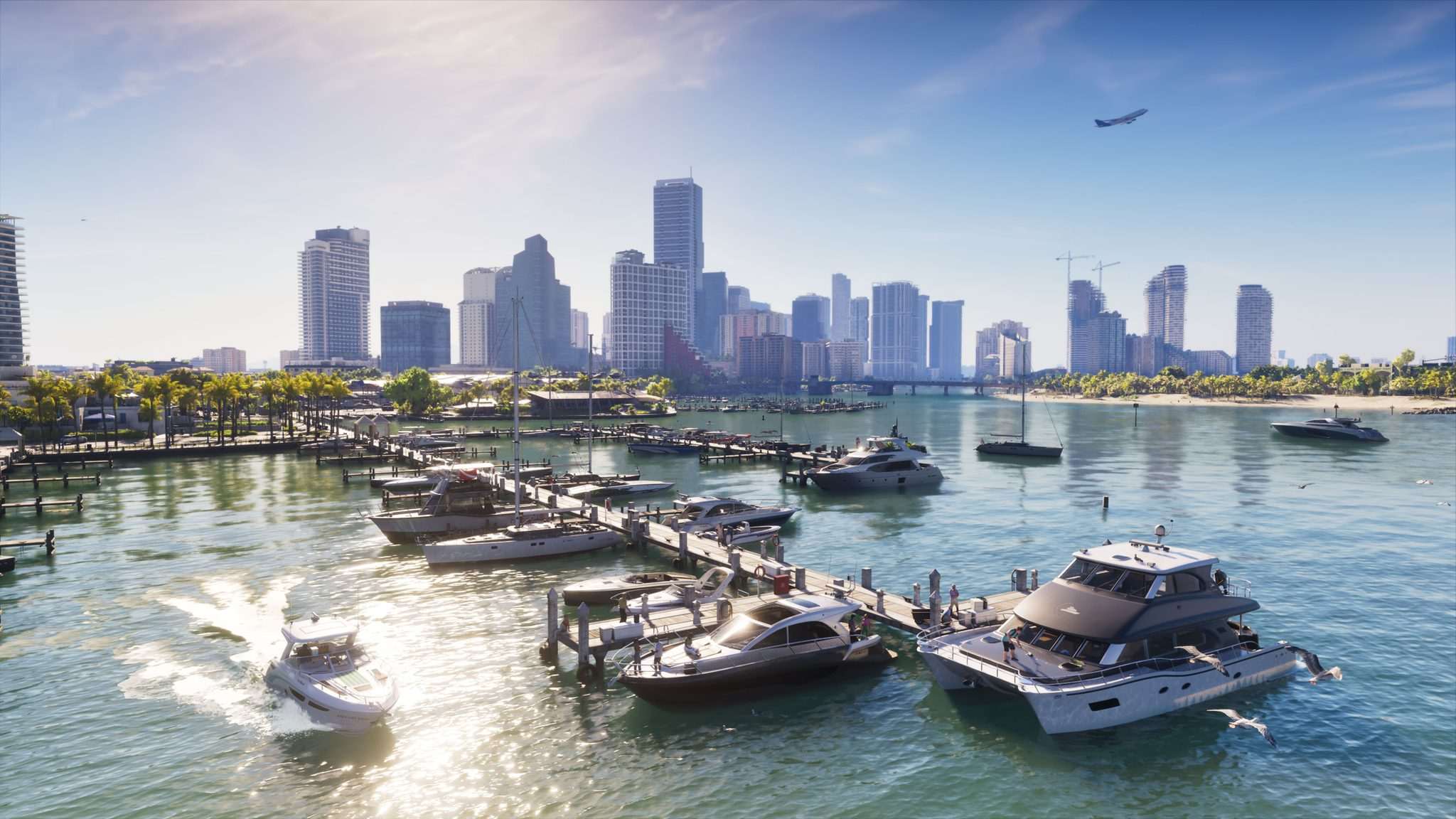
Fixes
GTA 6 Xbox Series S blur, pop-in and frame drops
GTA 6 blurry or choppy on Xbox Series S? Turn motion blur off, clear Quick Resume and expect dips in big Vice City fights. What helps and what doesn't.
Frame rate
Does GTA 6 Run at 60 FPS? Every Console, Every Mode
Does GTA 6 run at 60 fps? No. PS5, PS5 Pro, Xbox Series X and Series S all target 30 fps with no performance mode. Real-world fps on each console.
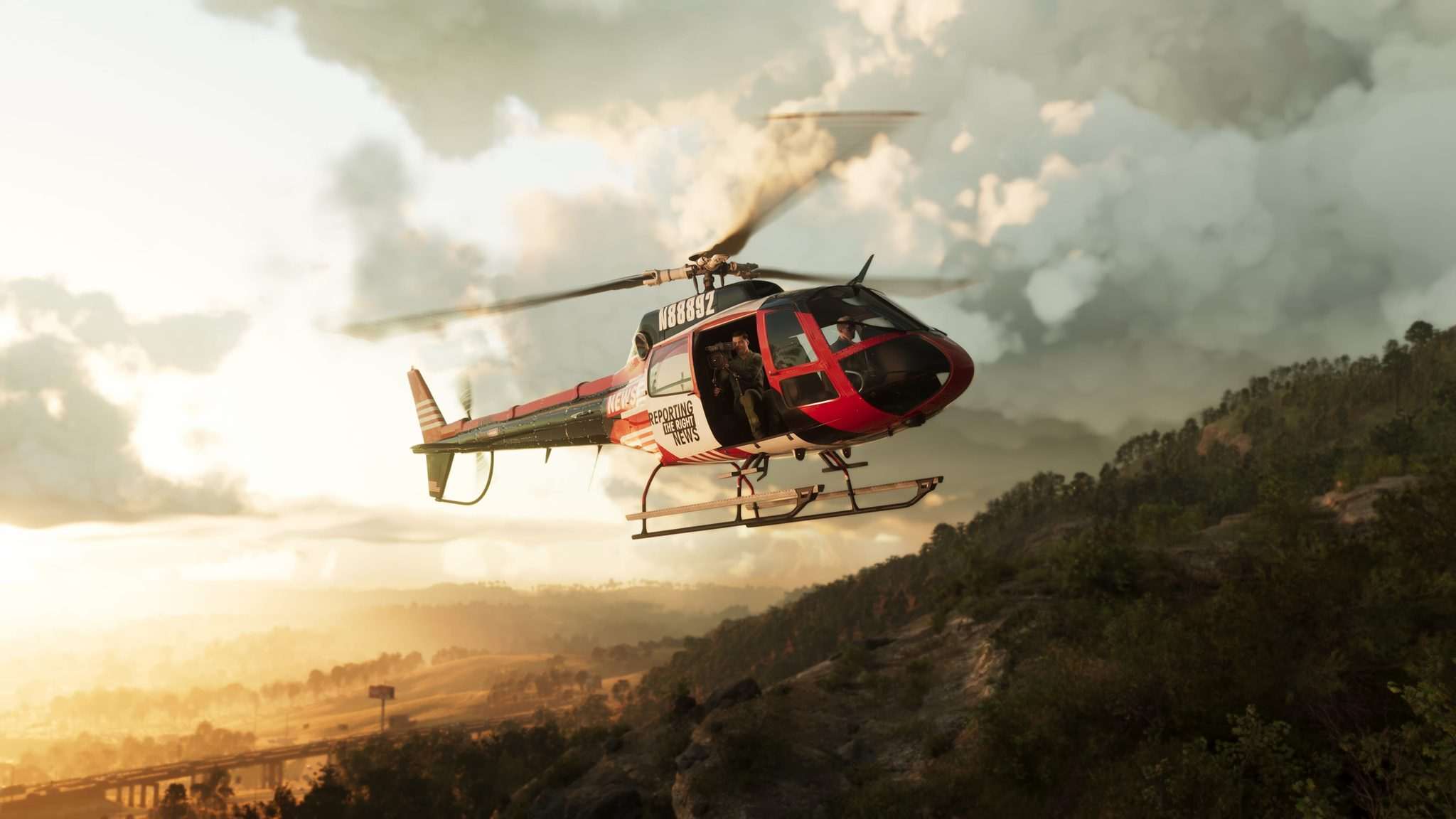
Card images: official screenshots. Image: Rockstar Games.