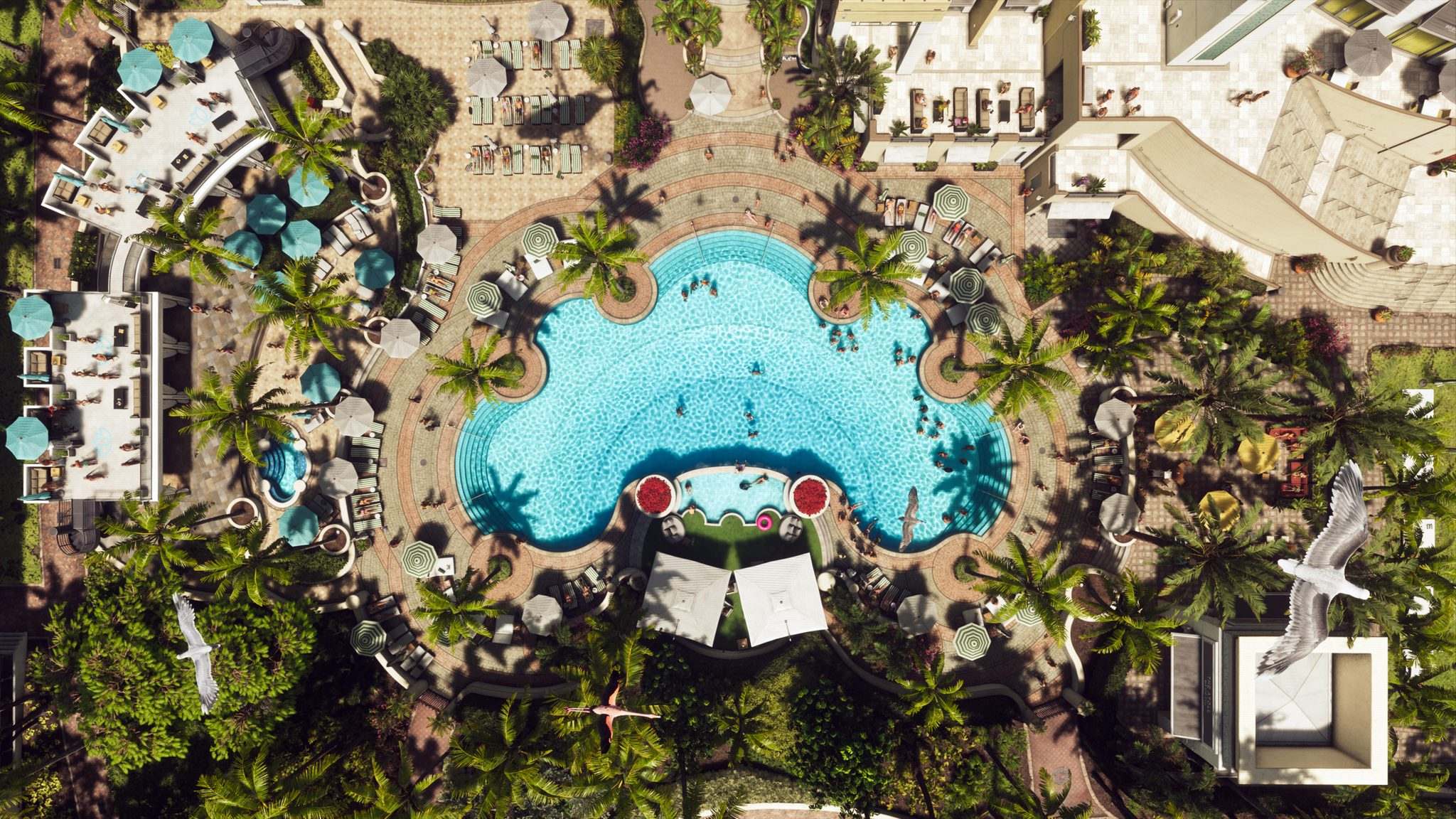
The GTA 6 camera settings worth changing are Camera Shake (off), Camera Bob (down to 1 to 3) and the vehicle Follow Speed, all under Settings > Camera. There is no field-of-view slider and no full first-person mode, so these, plus Motion Blur Strength, are what you have.
Where the camera settings are
Pause menu > Settings > Camera is split into On Foot, Land & Water Vehicles, Comfort, Aircraft, Underwater and Cinematic sections. Most adjustments run from 1 to 10.
On foot
Height has three steps: Low, Medium and High. Medium or High gives a better view over cars and crowds in Vice City; Low feels closer and more cinematic.
In vehicles
Land & Water Vehicles has separate Driver and Passenger values for:
- Height
- Horizontal and Vertical Follow Speed: how quickly the camera swings back behind you.
- Follow Delay: how long it waits after you move the right stick before recentering.
Driver follow speed starts at the maximum, 10, so the camera recenters as fast as it can. If it feels like it’s fighting you, turn follow speed down; one widely liked tip under a settings video is to turn it all the way down, and Dexerto settles on 9 horizontal, 8 vertical and a follow delay of 2. There is no auto-center toggle; for faster recentering, keep follow speed high and follow delay low. In the car, hold D-pad down to cycle three heights and the cinematic camera. Full setup: best GTA 6 driving settings.
Comfort: shake, bob and sway
The Comfort section is the one to visit if the game makes you queasy or tired:
- Camera Shake: on or off. Turn it off.
- Camera Bob: 1 to 10. Lower it; the r/GTA6 eye-strain thread’s author found it helped as much as turning HDR off.
- Weapon Sway: lower for steadier aim.
- Phone Display: Default or First Person.
More in GTA 6 eye strain and headaches.
First person and field of view
There is no first-person mode and no FOV slider. What exists:
- Some vehicles switch to a first-person view, and the phone in a car shows one.
- Some weapons aim down the sights.
- Standing still, press L2, then L3 and R3 together for a free first-person look.
Players widely want a first-person driving option; Rockstar hasn’t announced one.
Motion blur
Not a camera setting, but it changes how camera movement looks. Motion Blur Strength is in Display > Visual Effects, 0 to 10, default 3. Lower is sharper when panning; a little blur smooths 30 fps judder.
Sources
- Dexerto: Best GTA 6 console settings (camera values)
- YouTube: “Settings You NEED To Change In GTA 6!” (follow speed tip in comments)
- Rockstar Support: How to change Grand Theft Auto VI settings
- DayOne: All in-game options in GTA 6
- Engadget: How to switch camera views in GTA 6
- VGC: Does GTA 6 have a first-person mode?
- Engadget: How to adjust and turn off motion blur in GTA 6
- r/GTA6: eye strain and headache thread
- r/GTA6: “Rockstar needs to release the first person mode at least for driving”
Recommended settings
| Menu | Setting | Recommendation | Why |
|---|---|---|---|
| Camera > On Foot | Height | Medium or High | Low, Medium or High. Higher shows more of the street around you. |
| Camera > Land & Water Vehicles | Follow Speed (Driver) | Lower from the default 10 (Dexerto uses 9 horizontal, 8 vertical) | At 10 the camera snaps back behind the car almost instantly, which can fight your own camera moves. Some players turn it all the way down. |
| Camera > Comfort | Camera Shake | Off | Removes shake from running, explosions and crashes. |
| Camera > Comfort | Camera Bob | 1 to 3 | Less up-and-down movement while walking and running; the top fix for eye strain after motion blur. |
| Camera > Comfort | Weapon Sway | Your choice | Lower it for steadier aim. |
| Camera > Comfort | Phone Display | Default or First Person | First Person shows the phone from the character's eyes. |
| Display > Visual Effects | Motion Blur Strength | 0 to 3 | Blur on camera pans. Lower is sharper; a little helps 30 fps judder. |
Questions
Is there an FOV slider in GTA 6?
No. The settings menu has no field-of-view option on PS5 or Xbox.
Does GTA 6 have first-person mode?
No full first-person mode. Some vehicles switch to a first-person view, some weapons aim down sights, and standing still you can press L2 then L3 and R3 together for a free first-person look.
How do I change the camera in a car in GTA 6?
Hold D-pad down in a vehicle to choose one of three camera heights or the cinematic camera.
Related pages
Settings
Best GTA 6 Driving Settings (and How to Make Driving Easier)
The best GTA 6 driving settings on PS5 and Xbox: vehicle camera follow speed and delay, deadzones, adaptive triggers, Auto Drive, nitrous and radio options.
Settings
GTA 6 Accessibility Settings Explained
Every GTA 6 accessibility setting on PS5 and Xbox, from Accessible Combat to Tinnitus Reduction, what it changes, and whether it affects trophies or achievements.
Settings
GTA 6 Eye Strain and Headaches – Settings That Help
GTA 6 giving you eye strain or a headache? The settings players changed that helped most: motion blur, HDR, camera bob and shake, and when to stop.
Settings
GTA 6 Vignette: Can You Turn It Off? Awareness Effects Intensity and What Helps
The GTA 6 vignette can't be switched off. What Awareness Effects Intensity and the other effect sliders do, which settings help, and what Rockstar changed.
Card images: official screenshots. Image: Rockstar Games.