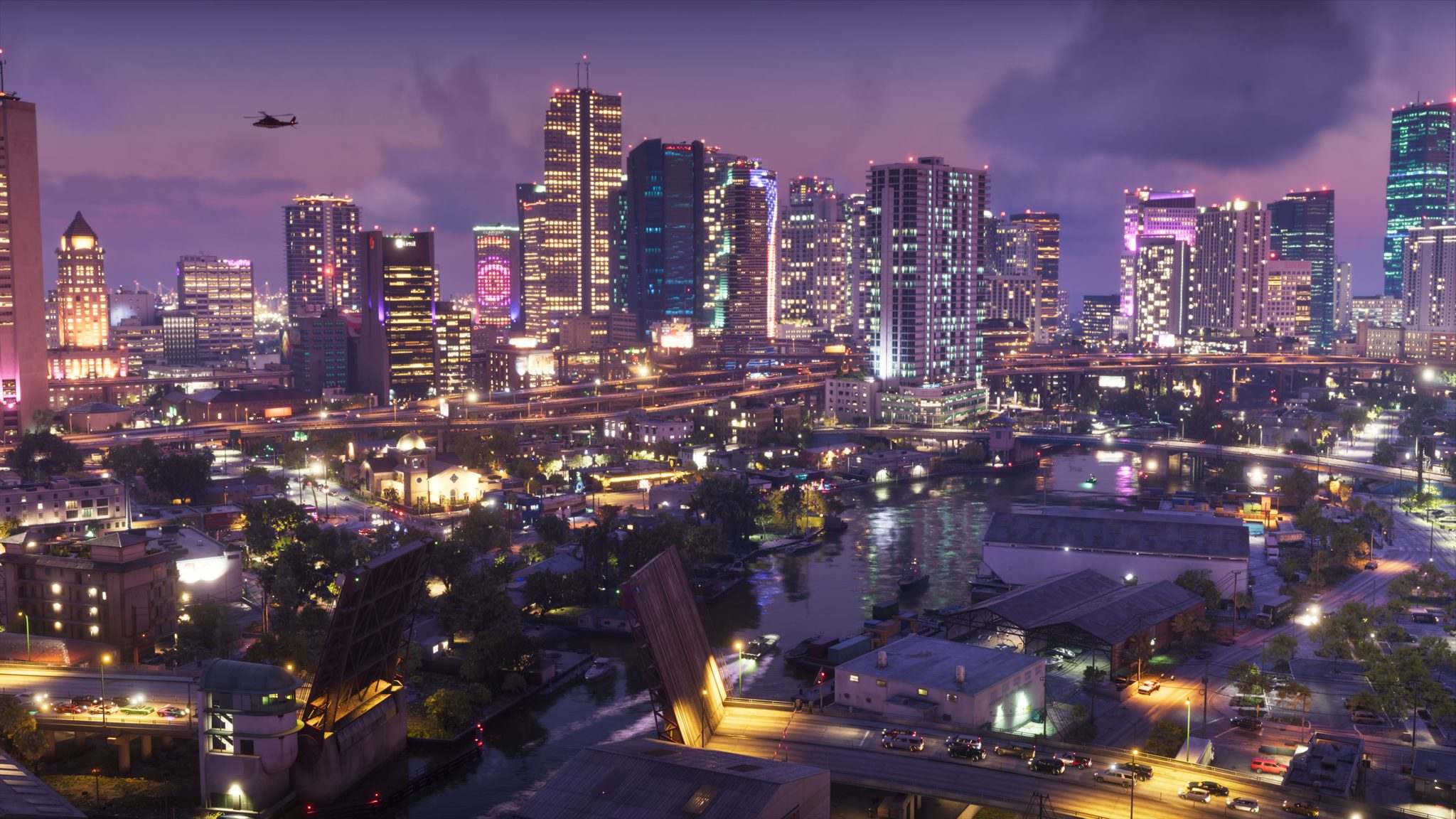
GTA 6 eye strain is common enough that r/GTA6 has a 95-comment thread on it, and the change that helped the most players is setting Motion Blur Strength to 0. Turning HDR off and switching off camera bob come next; if none of it helps within a session, take a break, because nothing here is a cure.
This page lists what players changed and what they reported. It isn’t medical advice. If headaches, dizziness or nausea continue after you stop playing, see a doctor or an optician.
What players blame
The complaints cluster around the same few things:
- 30 fps. Every console runs GTA 6 at 30 fps, and some players feel it most when panning while driving. See why GTA 6 is capped at 30 fps.
- Motion blur, which defaults to 3 on a 0 to 10 slider.
- The vignette, the dark shading at the screen edges, which can’t be turned off. Our vignette guide covers what helps.
- A soft image. Temporal anti-aliasing and depth of field make distant detail blurry, especially on base PS5 and Series S.
- Bright HDR on large OLED TVs at close range. One 77-inch OLED owner found the sheer detail tiring and is considering a desk monitor; another went back to an older IPS monitor.
Settings to change, in order
- Motion Blur Strength: 0. Settings > Display, under Visual Effects. This is the most-repeated fix in the thread, including from the player who started it. What each value does, and why depth of field can’t be turned off, is in GTA 6 motion blur and depth of field.
- HDR off on the console, for a test session. Several players stopped getting headaches with motion blur and HDR both off.
- Camera Bob to 1 and Camera Shake off. Both are in Settings > Camera > Comfort, along with Weapon Sway. The thread’s author found lowering camera bob helped as much as HDR.
- Brightness Reduction off (Settings > Display) if the image looks dim, which makes the vignette look heavier.
- Try a different screen. One player who tried both an OLED TV and an OLED monitor only got relief on an older IPS monitor; another sat further back with the lights on and still had strain.
If 30 fps judder is what bothers you, the opposite advice applies: some players felt better with motion blur raised to 5 to 10, because it hides the step between frames. Test both.
Take breaks
The most consistent advice in the thread is the dull one: stop for a while, step outside and look at something far away. Several players noticed the symptoms only after five-hour or 20-hour sessions in launch week.
Sources
- r/GTA6: “If anybody else experience eye straining/slight headache while playing, did moving some settings helped you?”
- r/GTA6: “I’m playing on PS5 Pro, and I sometimes get these heavily blurry visuals effects…”
- Engadget: How to adjust and turn off motion blur in GTA 6
- DayOne: All in-game options in GTA 6
- TheGamer: GTA 6 best settings to change
Questions
Why does GTA 6 hurt my eyes?
Players point at a mix of the 30 fps cap, motion blur, the heavy vignette, a soft image and bright HDR on OLED screens. No single cause fits everyone.
Should I turn motion blur up or down to stop eye strain in GTA 6?
Most players who found relief set Motion Blur Strength to 0. A smaller group felt better with blur raised, because it smooths the 30 fps judder. Try 0 first.
Does turning off HDR help with GTA 6 headaches?
For several players it did, along with motion blur off. One LG C5 owner saw no change from HDR alone, so treat it as one thing to test.
Related pages
Settings
GTA 6 Accessibility Settings Explained
Every GTA 6 accessibility setting on PS5 and Xbox, from Accessible Combat to Tinnitus Reduction, what it changes, and whether it affects trophies or achievements.
Settings
GTA 6 Vignette: Can You Turn It Off? Awareness Effects Intensity and What Helps
The GTA 6 vignette can't be switched off. What Awareness Effects Intensity and the other effect sliders do, which settings help, and what Rockstar changed.
Settings
Best GTA 6 Camera Settings
The best GTA 6 camera settings on PS5 and Xbox: camera height, follow speed, camera shake and bob, weapon sway, first-person views, and why there's no FOV slider.
Settings
GTA 6 Motion Blur and Depth of Field: Best Settings, and What You Can't Turn Off
GTA 6 motion blur and depth of field on PS5 and Xbox. Motion blur runs 0 to 10 (default 3); depth of field has no toggle. Best values and what helps a blurry image.
Card images: official screenshots. Image: Rockstar Games.