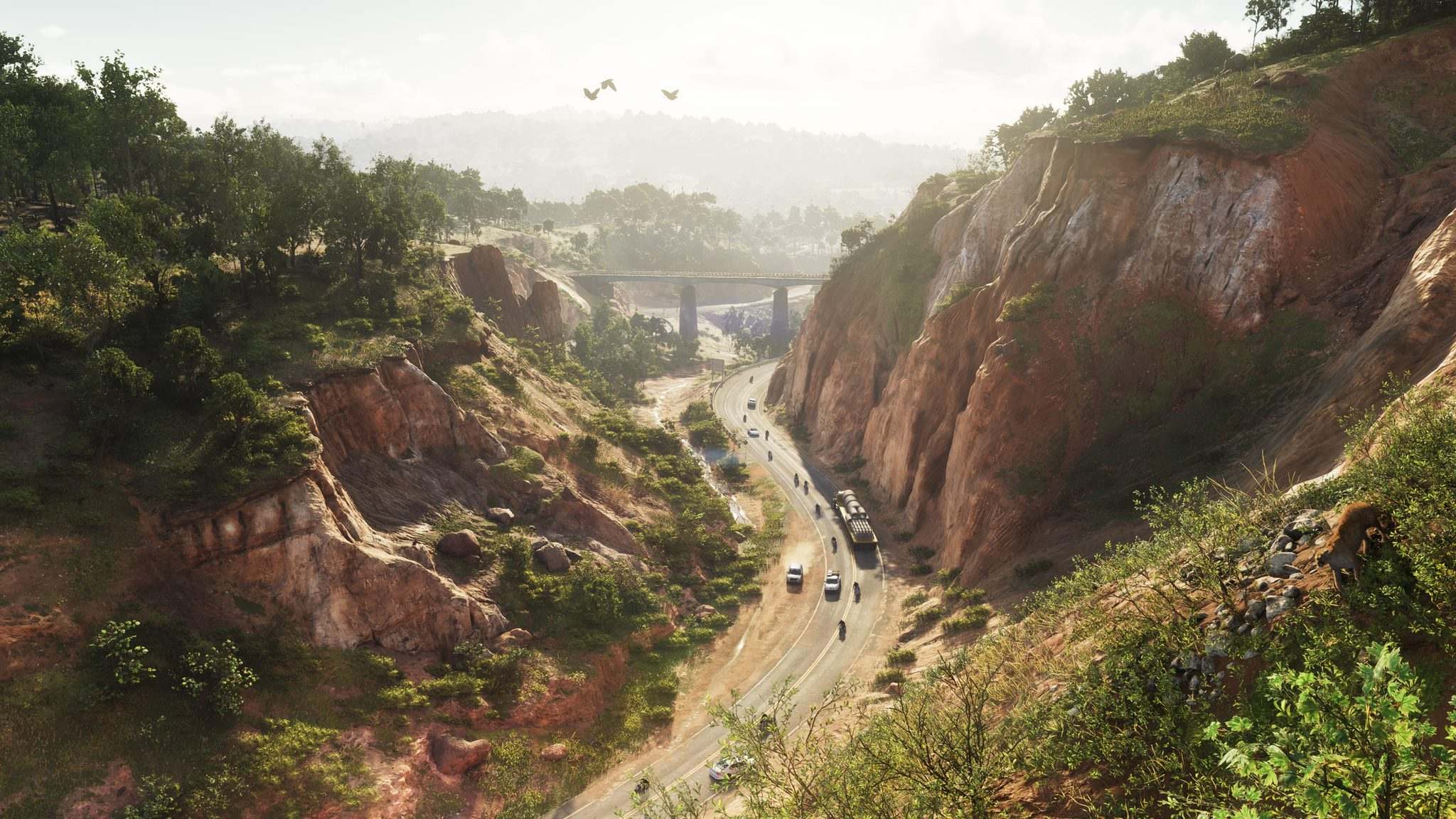
GTA 6 motion blur and depth of field work differently: Motion Blur Strength is a 0 to 10 slider (default 3) in Settings > Display, so you can turn it off, but depth of field can’t be changed at all on any console. Most players chasing a sharper image set motion blur to 0 to 2; players bothered by 30 fps judder keep it at 3 or raise it.
There are very few graphics options on PS5 and Xbox, and these two cause more confusion than the rest put together. Here’s what each does and what to set.
Motion blur: what it does and where it is
Press Options/Menu, choose Settings, press R1/RB to reach Display, and find Motion Blur Strength under Visual Effects. It blurs the screen when you turn the camera or move quickly.
Digital Foundry compared 0, the default 3 and the maximum 10 on Xbox Series X: higher settings make motion look smoother, lower settings keep it clearer. Because every console runs at 30 fps, that trade matters more than in a 60 fps game.
| Value | Who it suits |
|---|---|
| 0 | The sharpest image while panning. The most repeated fix for eye strain and the “smeary” look. |
| 1 to 2 | Most guides’ pick. IGN’s tech editor uses 0 or 1; Dexerto recommends 0 to 2. |
| 3 (default) | A balance. A much-liked comment under a popular settings video argues a little blur makes 30 fps “feel a lot less jerky”. |
| 5 to 10 | Some OLED owners, whose fast panels make 30 fps judder very visible. |
Try 0, drive fast down a straight road, pan the camera, then try 3. Keep the one that bothers you less.
Depth of field: no toggle
There is no depth-of-field, vignette or film-grain option in the GTA 6 settings. Digital Foundry confirms that post-processing effects such as depth of field and vignetting can’t be adjusted on any console. Players on r/PS5pro describe it as a “bubble” of sharpness with blurry objects in the distance, and on Series S Digital Foundry found the depth-of-field effect also runs at a lower resolution.
Photo mode is the exception. It has its own depth-of-field controls (focal length and f-number), but they only change the photos you take, not gameplay.
Why it still looks blurry with motion blur at 0
Much of the softness isn’t motion blur:
- Resolution. PS5 and Series X render 1440p and stretch it to 4K with Rockstar’s TAA, which Digital Foundry calls visually softer. Series S renders 720p. PS5 Pro’s PSSR is the sharpest. See GTA 6 PS5 Pro vs PS5.
- Depth of field blurs anything far from the focus point, and you can’t turn it off.
- Console settings. The r/GTA6 fixes megathread suggests removing the game from Quick Resume on Xbox, matching the console’s output resolution to your screen, and testing with HDR off. Steps: GTA 6 blurry image and low draw distance.
- PS5 Pro blur on water and sky is a separate issue: PS5 Pro blurry water and sky.
The other screen effects
The same Visual Effects section has three intensity sliders: Player Status Effects, Hit Effects and Awareness Effects. They set how strongly the screen reacts to your character’s condition, to hits and to what’s happening around you. IGN keeps them at maximum so it can react fast; lower them if the edge effects distract you, knowing the game gets a little harder. They are also the closest thing to a vignette setting; see GTA 6 vignette.
If blur gives you headaches, the full list of settings players changed is in GTA 6 eye strain, and the other first-time settings are in GTA 6 settings to change before you play.
Sources
- Digital Foundry: GTA 6 on PS5 vs PS5 Pro, Xbox Series X and Series S (motion blur, depth of field)
- IGN: GTA 6 display settings explained
- Dexerto: Best GTA 6 console settings for PS5 and Xbox
- Engadget: How to adjust and turn off motion blur in GTA 6
- DayOne: All in-game options in GTA 6
- r/PS5pro: GTA 6, any way to address depth of field?
- r/GTA6: Weird blur, PS5 Pro
- r/GTA6: GTA 6 Common Issues & Fixes
Recommended settings
| Menu | Setting | Recommendation | Why |
|---|---|---|---|
| Display > Visual Effects | Motion Blur Strength | 0 to 2 for clarity, 3 to 5 if 30 fps judder bothers you | The slider runs 0 to 10 and defaults to 3. Lower is sharper in motion; higher hides the step between frames. |
| Display > Visual Effects | Player Status, Hit and Awareness Effects Intensity | Default, or lower if screen-edge effects distract you | These set how strongly screen effects alert you to your character's condition, hits and surroundings. Lowering them makes cues easier to miss. |
| Display > Visual Effects | Brightness Reduction | Off | Softens bright lights but leaves the whole image washed out. |
| Photo mode | Depth of field | Your choice | Only affects photos. There is no depth-of-field option for gameplay. |
Questions
Can you turn off depth of field in GTA 6?
No. There is no depth-of-field option in the settings on PS5, PS5 Pro or Xbox. Digital Foundry confirms depth of field and vignetting can't be adjusted. Photo mode has its own depth-of-field controls for photos only.
What is the best motion blur setting in GTA 6?
0 to 2 if you want the sharpest image or get eye strain. 3 (the default) to 5 if 30 fps feels choppy, because blur smooths the jump between frames.
Where is the motion blur setting in GTA 6?
Pause menu > Settings, then press R1/RB to the Display tab. Motion Blur Strength is under Visual Effects.
Why does GTA 6 still look blurry with motion blur off?
The base PS5 and Series X render at 1440p and stretch it to 4K, Series S renders at 720p, and depth of field and temporal anti-aliasing soften distant detail. Check the console's output resolution and Quick Resume, and test with HDR off.
Related pages
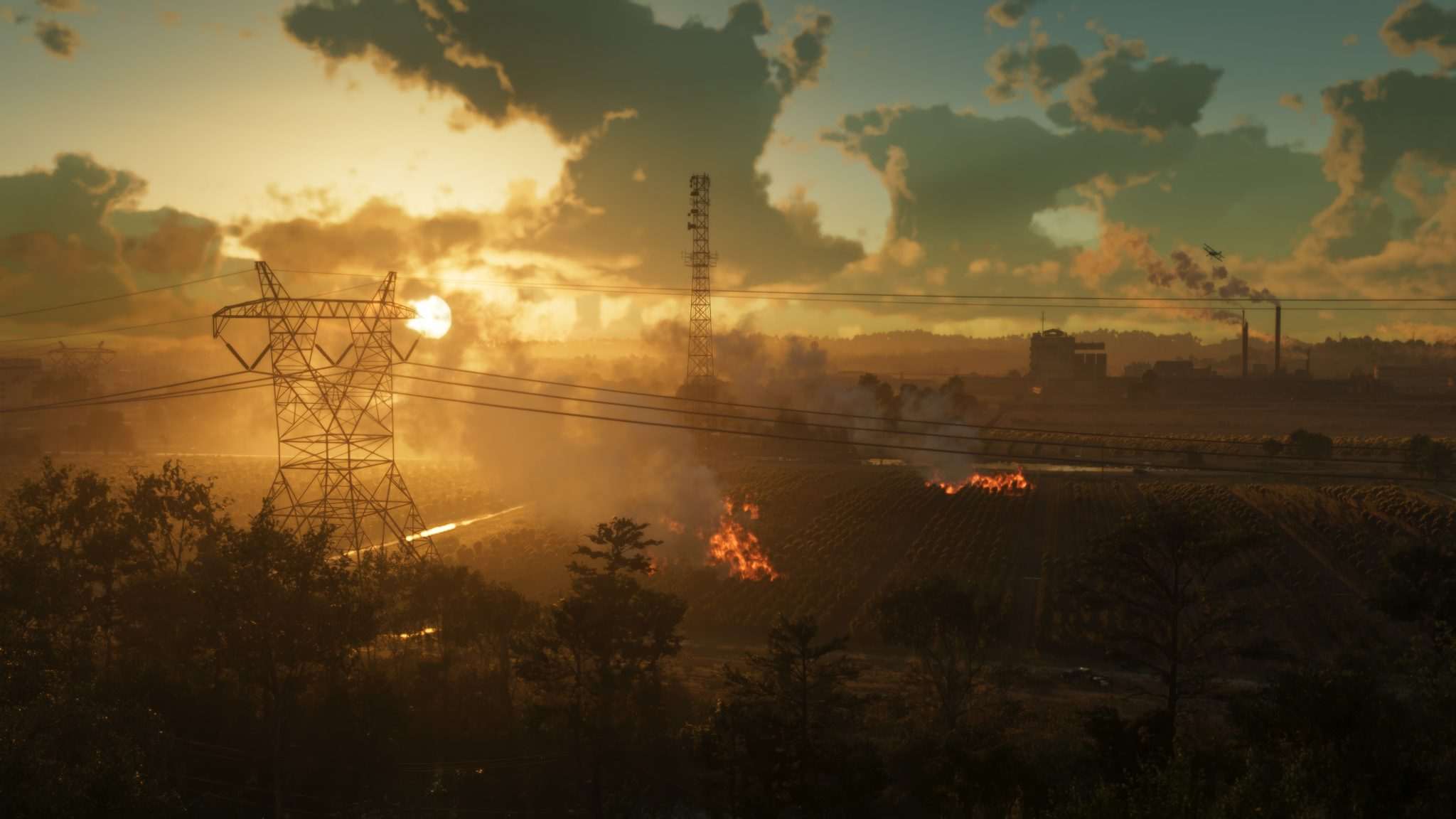
Settings
GTA 6 Vignette: Can You Turn It Off? Awareness Effects Intensity and What Helps
The GTA 6 vignette can't be switched off. What Awareness Effects Intensity and the other effect sliders do, which settings help, and what Rockstar changed.
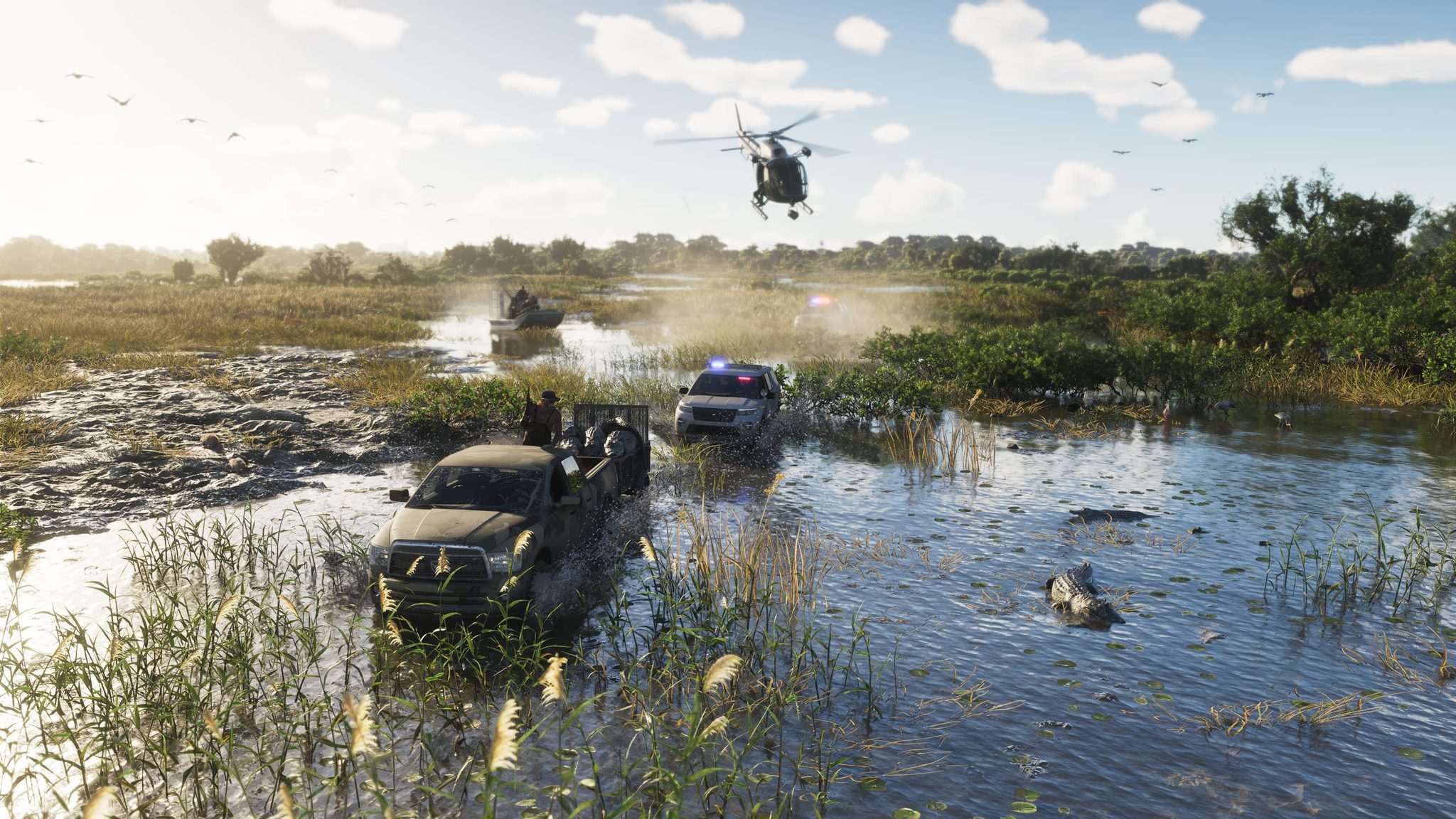
Settings
GTA 6 Best Aim Settings for PS5 and Xbox
The GTA 6 best aim settings on PS5 and Xbox. Targeting mode, aim assist 0 to 4, aim sensitivity, response curve, deadzones and reticle, with the menu path for each.
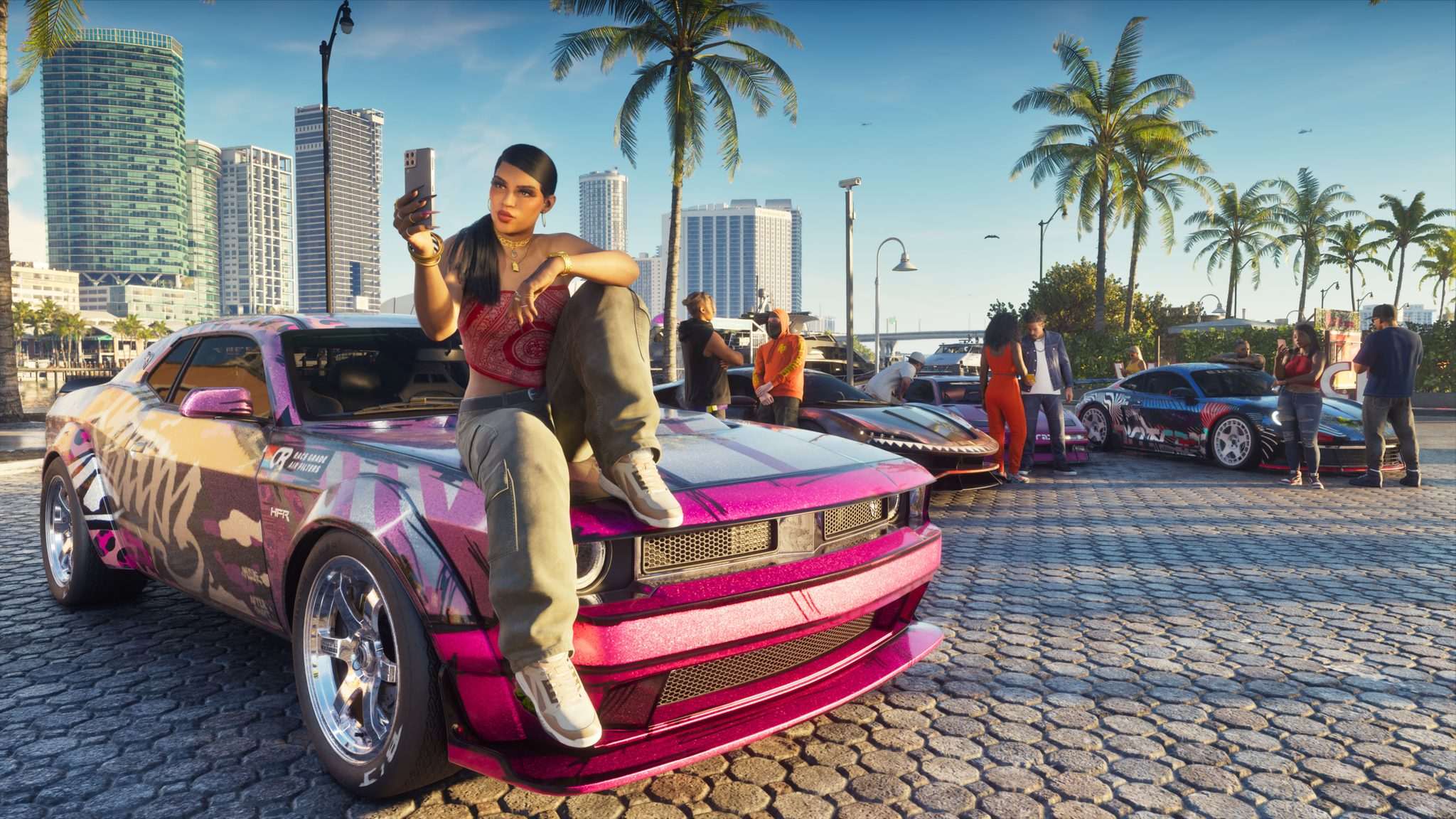
Settings
Best GTA 6 Driving Settings (and How to Make Driving Easier)
The best GTA 6 driving settings on PS5 and Xbox: vehicle camera follow speed and delay, deadzones, adaptive triggers, Auto Drive, nitrous and radio options.
Settings
Can You Make GTA 6 Kid Friendly? Age Rating, Settings and Parental Controls
Can you make GTA 6 kid friendly? Not really. It's rated M (17+). The gore settings you can lower, and the PS5 and Xbox parental controls that limit it.
Card images: official screenshots. Image: Rockstar Games.