The best GTA 6 Series S settings are on the console as much as in the game: set the Xbox to 120 Hz with VRR on, match the output resolution to your screen, then in GTA 6 drop Motion Blur Strength to 0–2 and calibrate HDR with the game’s own sliders. None of this raises the frame rate, but together they give you the cleanest, smoothest image the Series S can produce.
The Series S renders GTA 6 at 720p and upscales it to 1080p with AMD FSR 4, targeting 30 fps. It spends much of the game in the mid-to-upper 20s and drops to about 20 in big explosions, so the settings below focus on smoothing dips and keeping the softer image clear. The full numbers are in GTA 6 Xbox Series S performance.
Console settings first
Open Settings > General > TV & display options on the Xbox.
- 4K TV details: check for green ticks. They tell you whether your TV and HDMI port support 120 Hz, VRR and ALLM.
- Resolution: set it to your screen’s native resolution, as the r/GTA6 fixes thread advises for a blurry picture. GTA 6 renders at 720p and upscales to 1080p either way, so 4K output on a 4K TV is fine but doesn’t add detail. Beebom suggests 1080p output on Series S; on a 4K TV, whether the console or the TV does the last upscale is a matter of taste.
- Refresh rate: 120 Hz if your TV supports it.
- Video modes: tick Allow variable refresh rate and Allow auto low latency mode, and Allow HDR10 if your TV handles HDR well. Then run Calibrate HDR for games.
Why 120 Hz matters most on the Series S: Xbox VRR with low framerate compensation keeps frame timing even when the game drops into the 20s, and the Series S drops there more than any other console. PS5 has no equivalent below 48 fps. See does GTA 6 support 120Hz.
In-game settings
The recommended values are in the table at the top. The two that matter most on Series S:
- Motion Blur Strength (Display > Visual Effects): default 3. Series S owners most often credit 0 for a clearer image; 2 keeps a little blur if 30 fps judder bothers you. More in GTA 6 motion blur and depth of field.
- HDR Calibration (Display): GTA 6 ignores the Xbox’s HDR calibration and uses its own three sliders. On a TV of about 1,000 nits or more, start at Max Brightness 2,000, Black Levels 20, Paper White 35. Per-brand TV steps are in GTA 6 HDR settings.
The rest, from aim curve to deadzones, is the same as on any console: see GTA 6 settings to change before you play.
Quick Resume: helpful, with a catch
Quick Resume gets you back into GTA 6 in about 6 to 7 seconds, against roughly 44 seconds from a cold start. But resuming at 120 Hz can unlock the frame rate and make the game run too fast, and a smeared image after resuming is one of the most reported Series S complaints. If either happens:
- Save, then press the Xbox button, highlight GTA 6, press Menu and choose Quit.
- Go to My games & apps > Quick Resume, highlight GTA 6 and choose Remove from Quick Resume.
- Start the game fresh.
Steps and causes: Xbox Quick Resume glitch and Series S blur and frame drops.
Your TV
- Game mode on. ALLM switches it on automatically if your TV supports it.
- Sharpness neutral. Cranking it up to make the 720p-based image look crisper adds halos.
- Motion smoothing: only on TVs that allow it inside game mode (TCL, Hisense, Samsung). See best TV settings for GTA 6.
Storage on the 512 GB model
GTA 6 is about 211.9 GB installed on Xbox, and the 512 GB Series S has about 364 GB usable, leaving roughly 152 GB. It can’t run from a USB drive; only the internal SSD or an official expansion card. See GTA 6 on an external SSD or USB drive.
What settings can’t fix
There is no performance mode, no resolution option and no hidden setting that turns the Series S version into the Series X one. Dips in dense Vice City combat are a hardware limit. If those bother you, the comparison is in GTA 6 Series S vs X.
How the Series S setup compares with the other consoles is laid out in GTA 6 best settings for every console, and the head-to-head with the most powerful one in GTA 6 PS5 Pro vs Xbox Series S.
Sources
- Wccftech: Rockstar on FSR 4 and 720p on Xbox Series S
- GamerBolt: GTA 6 best settings for PS5 and Xbox Series X/S (Series S section)
- Beebom: Best Xbox settings for GTA 6
- Engadget: Change these Xbox Series X/S settings before playing GTA 6
- IGN: I’ve played the first 30 minutes of GTA 6 on every console
- GTA BOOM: GTA 6 does not run at 120 fps on Xbox (VRR and LFC)
- YouTube, Compare Clearly: Best GTA 6 HDR settings for every TV
- r/GTA6: GTA 6 Common Issues & Fixes
Recommended settings
| Menu | Setting | Recommendation | Why |
|---|---|---|---|
| Xbox > TV & display options | Refresh rate and VRR | 120 Hz, Allow variable refresh rate on | Series S dips below 30 the most; VRR with low framerate compensation smooths those dips. |
| Xbox > TV & display options | Resolution | Your screen's native resolution | The game renders at 720p either way. A mismatched output is a common cause of the blurry look in the r/GTA6 fixes thread. |
| Xbox > Video modes | Allow auto low latency mode | On | Puts the TV in game mode automatically, so you don't add TV lag to a game that already has plenty. |
| GTA 6 > Display > Visual Effects | Motion Blur Strength | 0 to 2 (default 3) | The setting Series S owners credit most for a clearer image. |
| GTA 6 > Display > HDR Calibration | Max Brightness / Black Levels / Paper White | 2,000 / 20 / 35 on a bright TV | The game uses its own sliders, not the Xbox calibration. Dimmer TVs set Max Brightness to twice their peak. |
| GTA 6 > Camera > Comfort | Camera Shake / Camera Bob | Off / 1 to 3 | Less movement makes the softer image easier to follow. |
| Your TV | Sharpness | Neutral (0 or the TV's default) | Extra sharpening on a 720p-based image adds halos rather than detail. |
Questions
What resolution should I set my Series S to for GTA 6?
Your screen's native resolution, 1080p for a 1080p TV or 4K for a 4K TV. GTA 6 renders at 720p and upscales to 1080p with FSR 4 whatever you pick, so a higher output doesn't sharpen the game.
Should I turn on 120Hz on Series S for GTA 6?
Yes, if your TV supports 120 Hz and VRR. It doesn't raise the 30 fps target, but it smooths the dips into the 20s, which happen more on Series S than on any other console.
Is there a performance mode on Series S?
No. GTA 6 has one fixed 30 fps mode on every console, and no setting can turn the Series S version into the Series X one.
Why does GTA 6 look blurry on Series S?
It renders at 720p and upscales to 1080p, and motion blur defaults to 3. Set Motion Blur Strength to 0 to 2, match the console's output to your screen, and remove the game from Quick Resume if it looks smeared after resuming.
Related pages
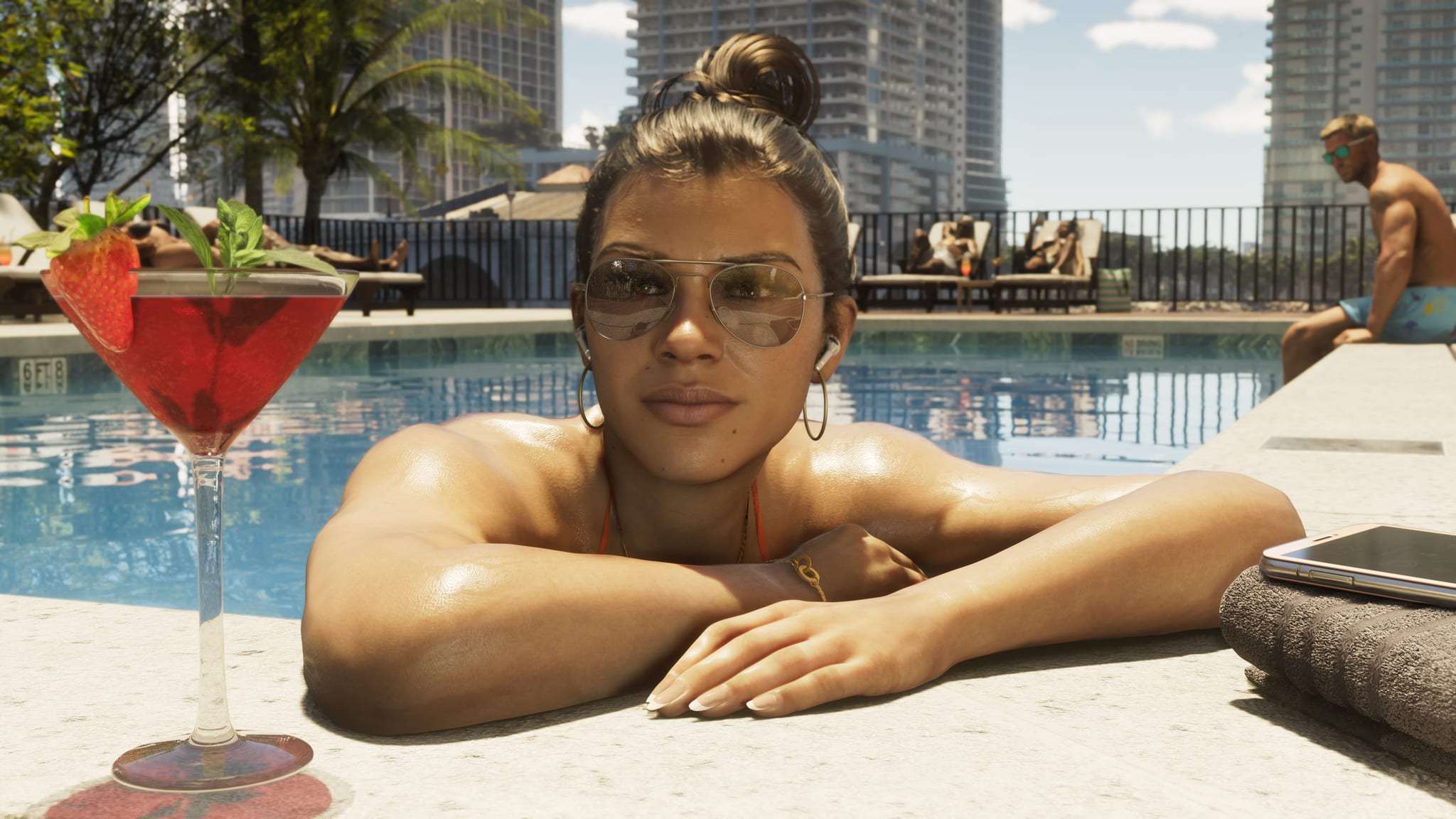
Settings
GTA 6 Best Settings for Every Console: PS5, PS5 Pro, Xbox Series X and Series S
GTA 6 best settings for PS5, PS5 Pro, Xbox Series X and Series S. The console setup, graphics, HDR, camera, aim and HUD values for each, in one reference page.
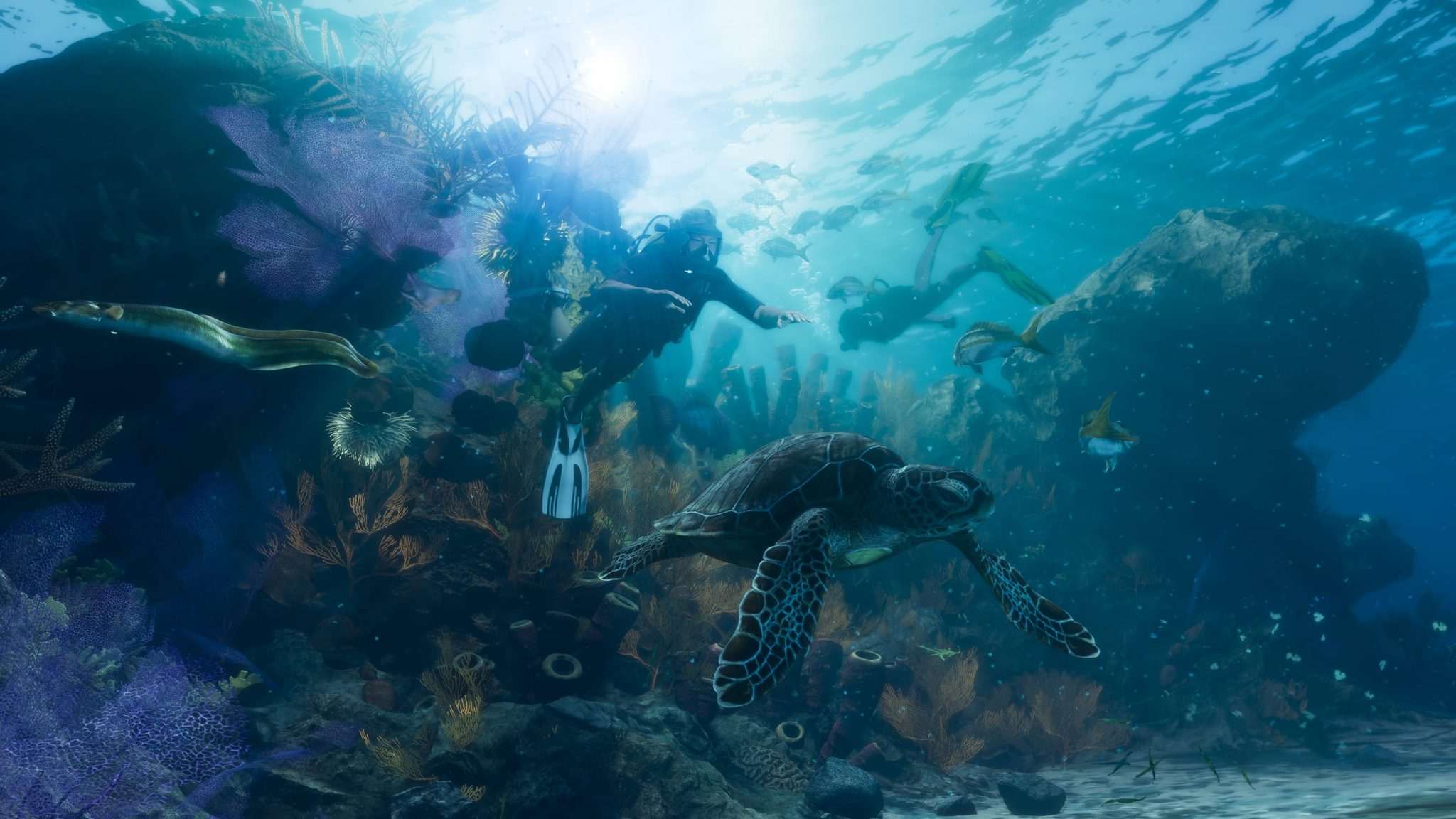
Settings
GTA 6 Xbox Controller: Is There One, the X-BITE Gator and Custom Options
Is there a GTA 6 Xbox controller? No official one; Sony holds the marketing deal. The one-off X-BITE gator controller, Design Lab custom pads and settings.
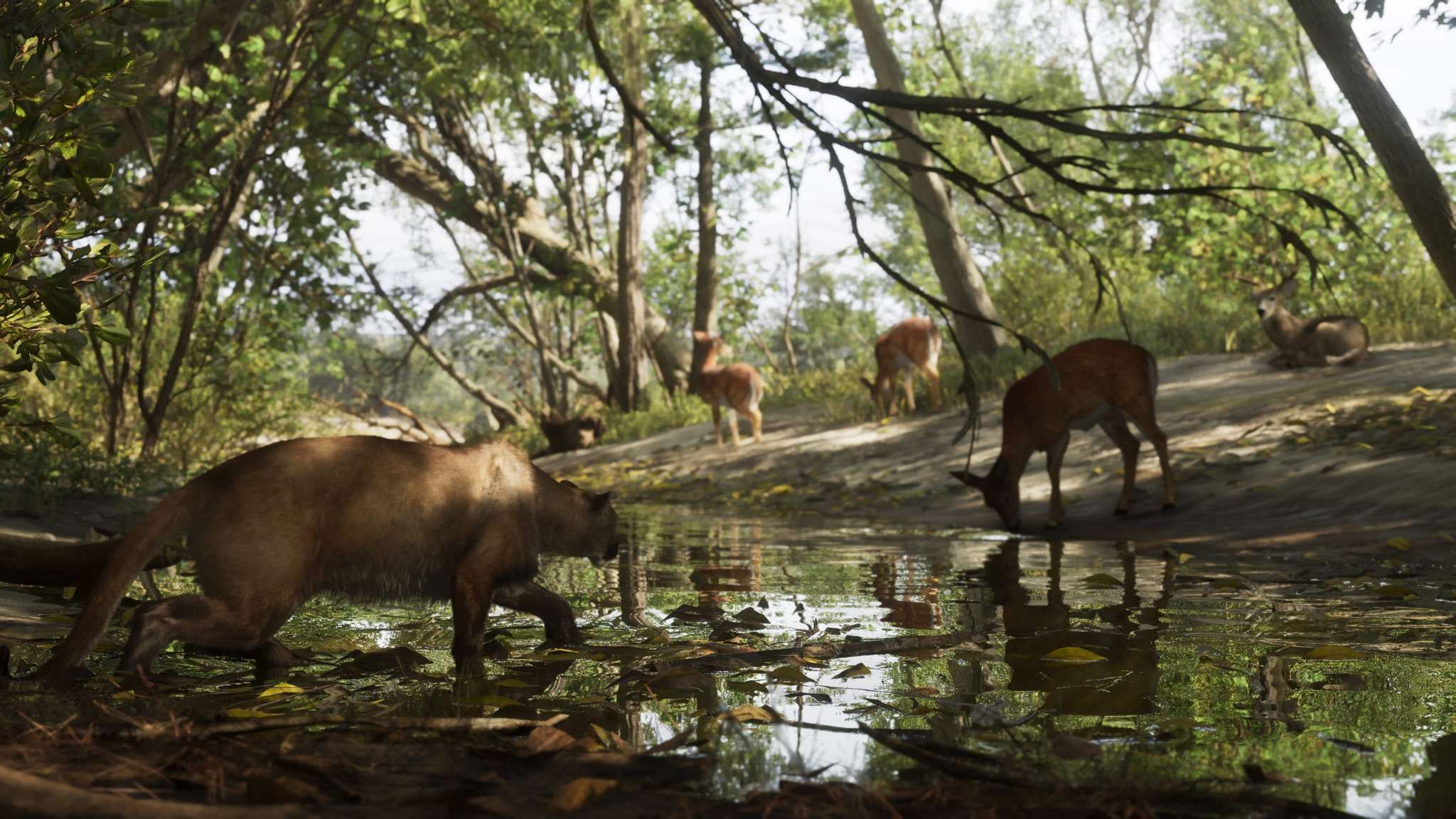
Settings
GTA 6 Motion Blur and Depth of Field: Best Settings, and What You Can't Turn Off
GTA 6 motion blur and depth of field on PS5 and Xbox. Motion blur runs 0 to 10 (default 3); depth of field has no toggle. Best values and fixes for blur.
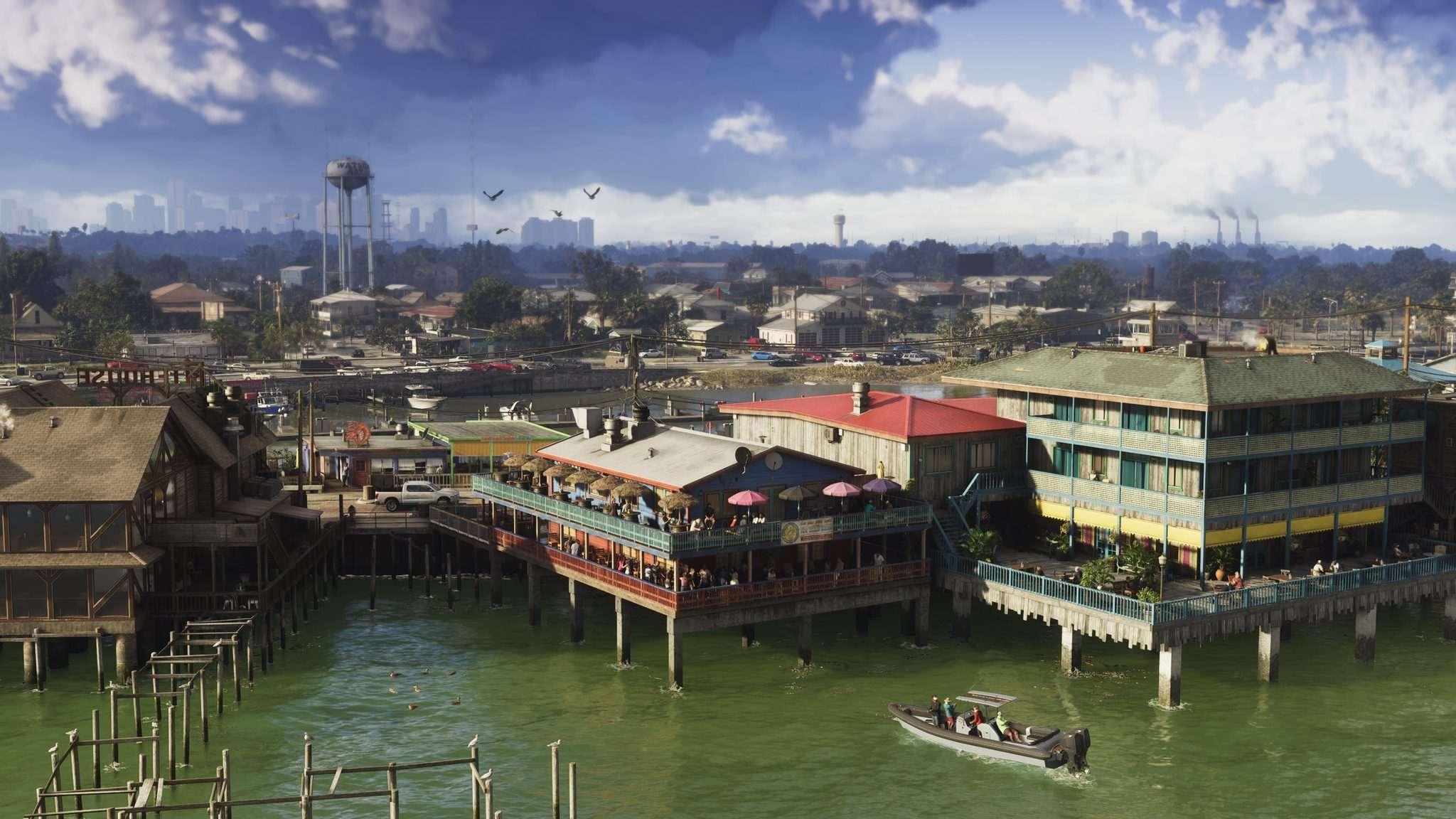
Settings
GTA 6 Settings to Change Before You Play, and the Best Graphics Settings on PS5
The GTA 6 settings to change first, and the best graphics settings on PS5 and Xbox. Motion blur, HDR, effects, aim curve, deadzones and camera shake.
Card images: official screenshots. Image: Rockstar Games.